Ideal for:
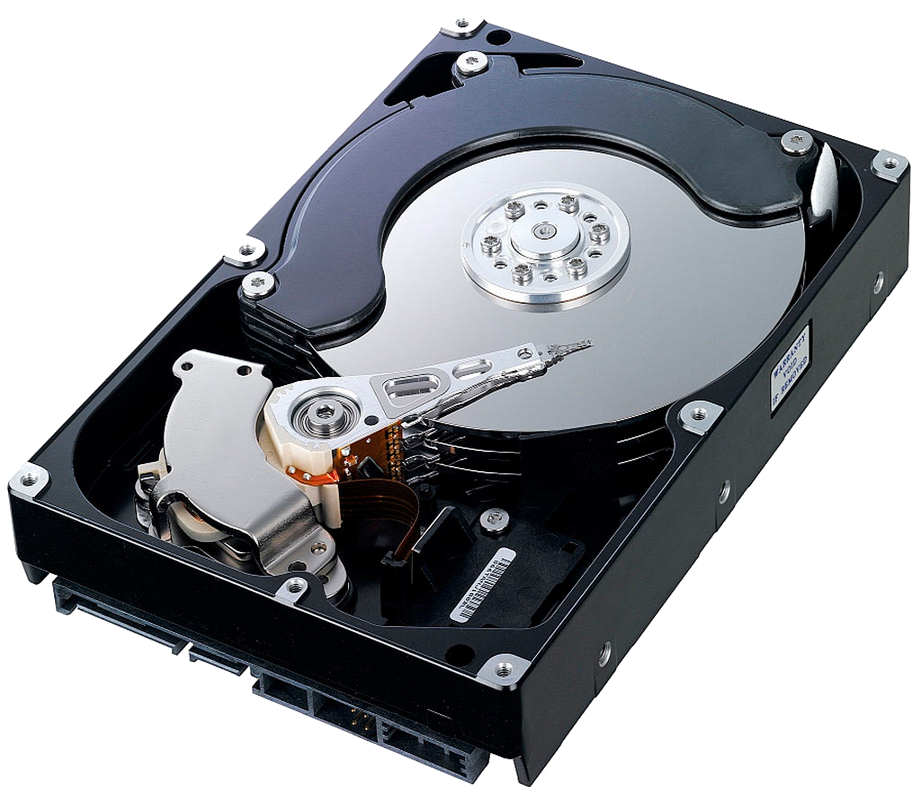
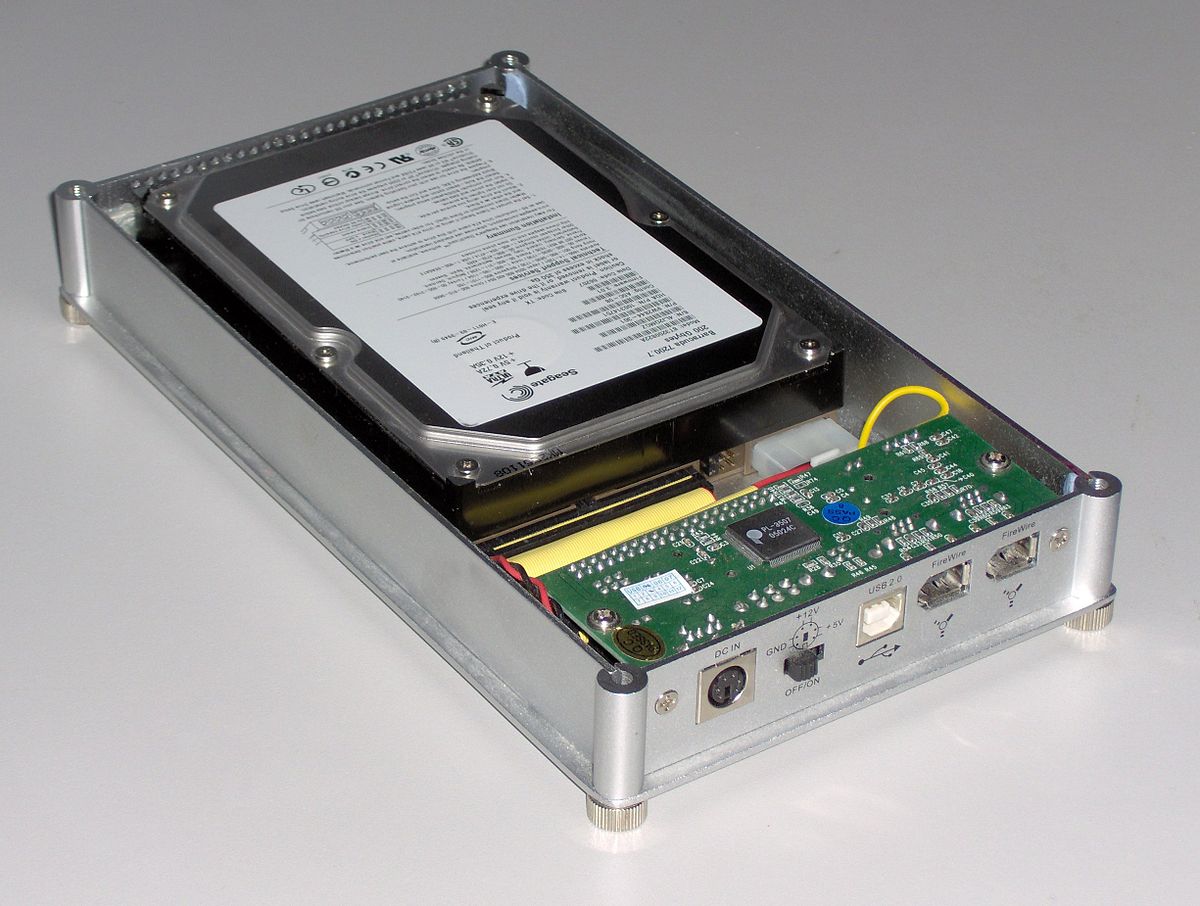
* Collections ≤ [size of largest HDD] * Accessed by only 1 computer at a time * Moving data * Quick access
Advantages:
* Relatively low cost (100-300 EUR) * Portable
Disadvantages
* Risky: Drives may fail * Backup is manual and easily out of sync * Access is limited
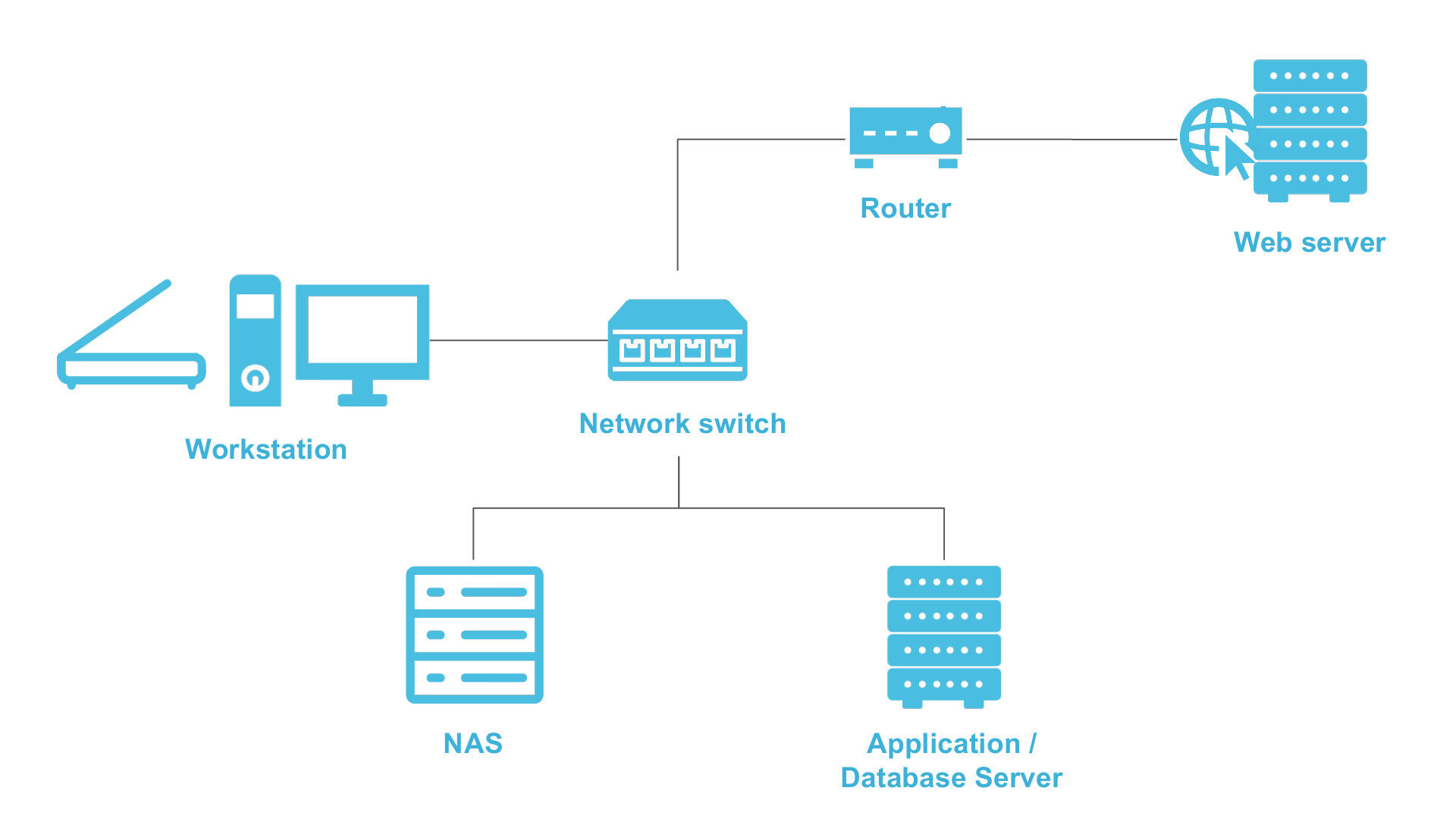
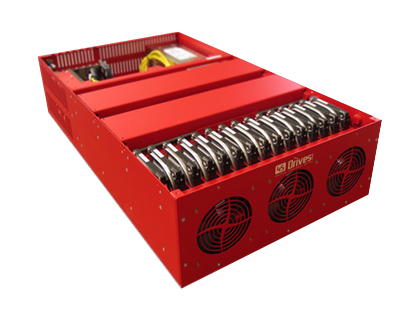
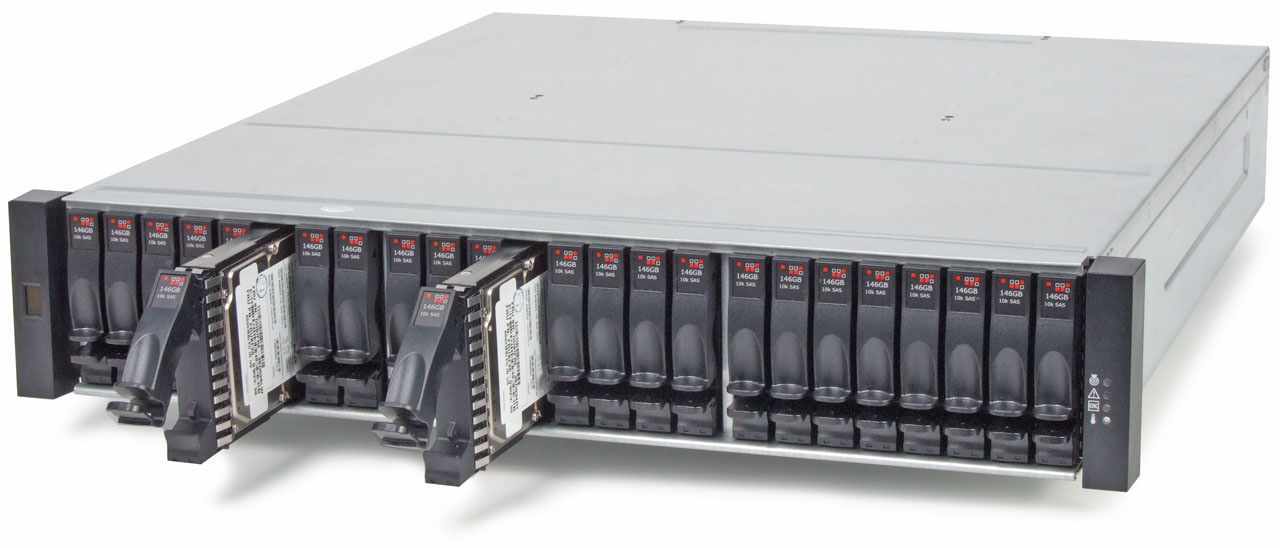
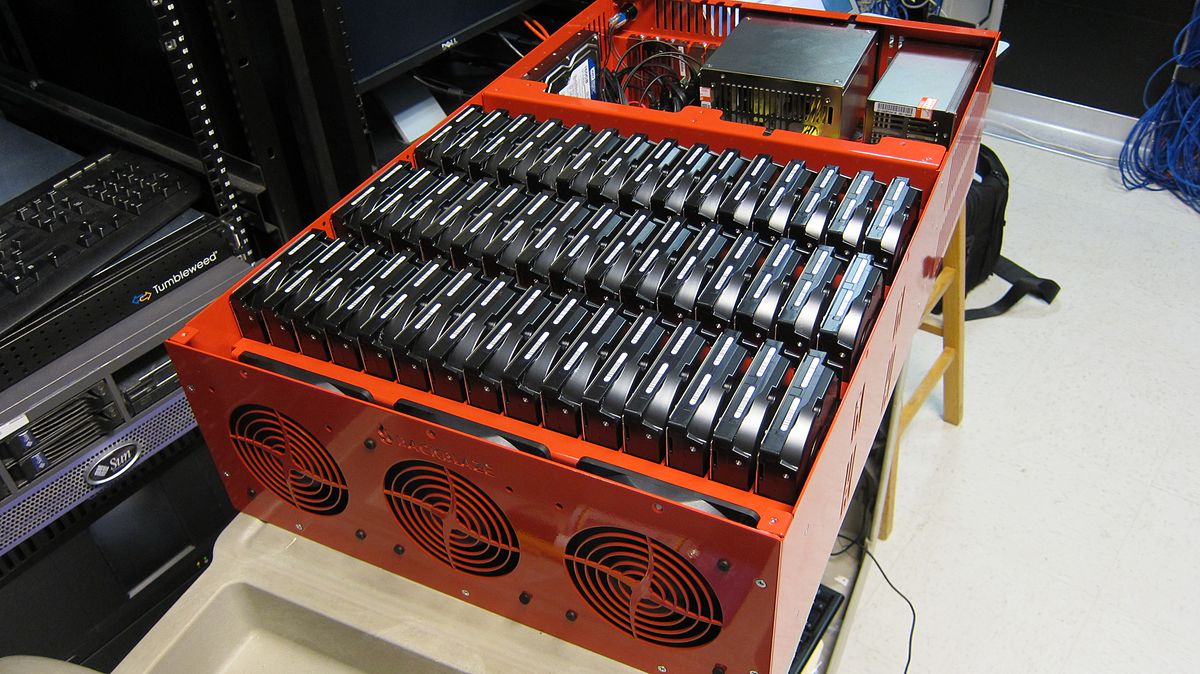
Ideal for:
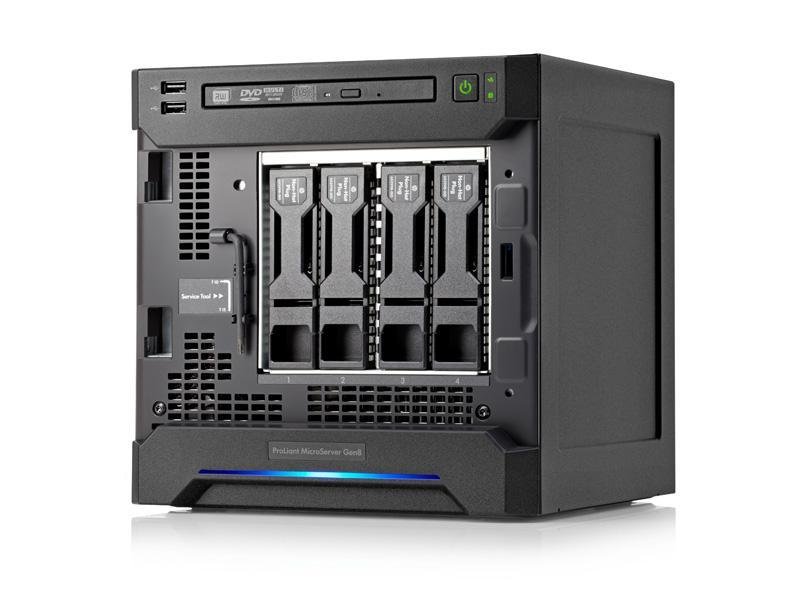
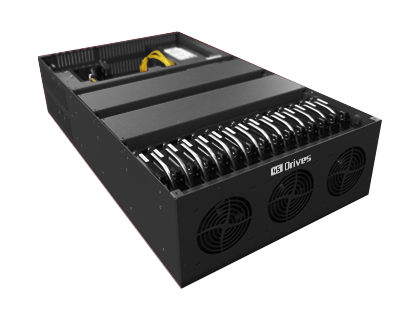
* Collection < ca. 40 TB (if standalone). * Larger is possible, if clustered. * Quick access (incl. multiple networked users) * Networks with ≤ 1 GbE for large files (10 GbE for film) * Organizations with some IT support
Advantages:
* Multiple users can access in parallel * Relatively affordable (200-1000+ EUR)
Disadvantages:
* Requires heating / cooling * Potentially less secure (always on) * Less portable * Requires IT skills for problem solving

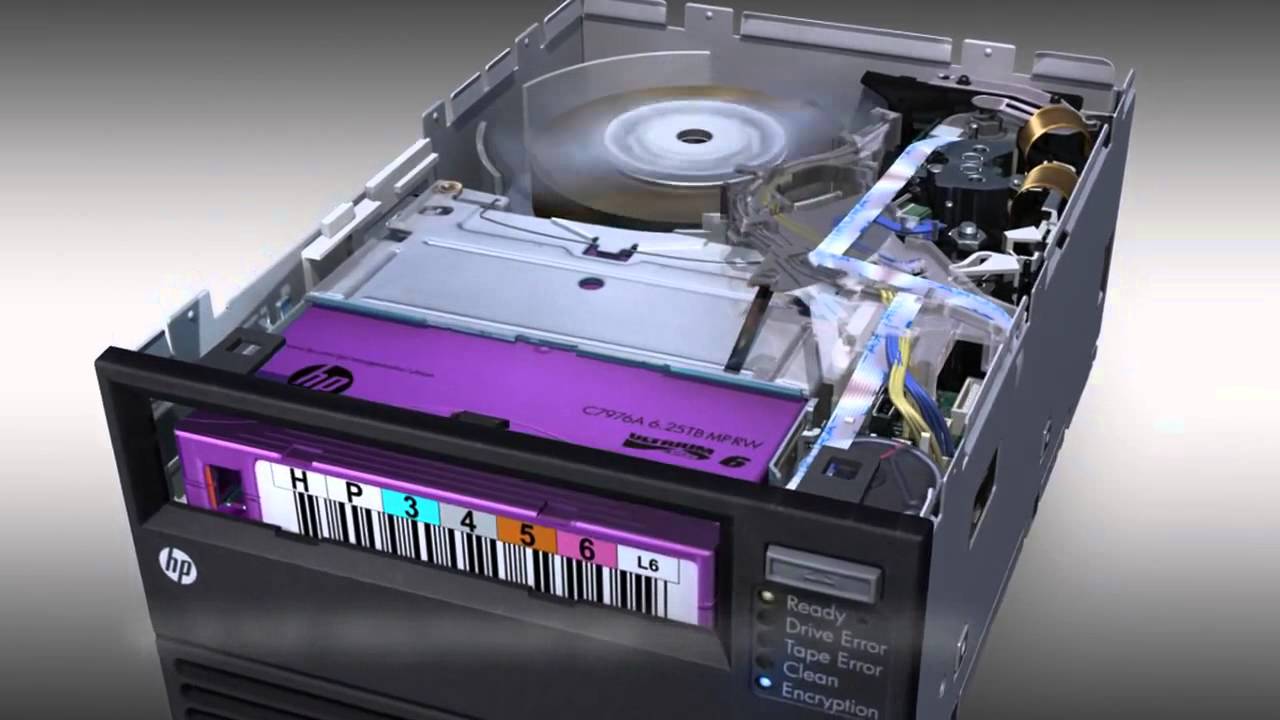
Ideal for:
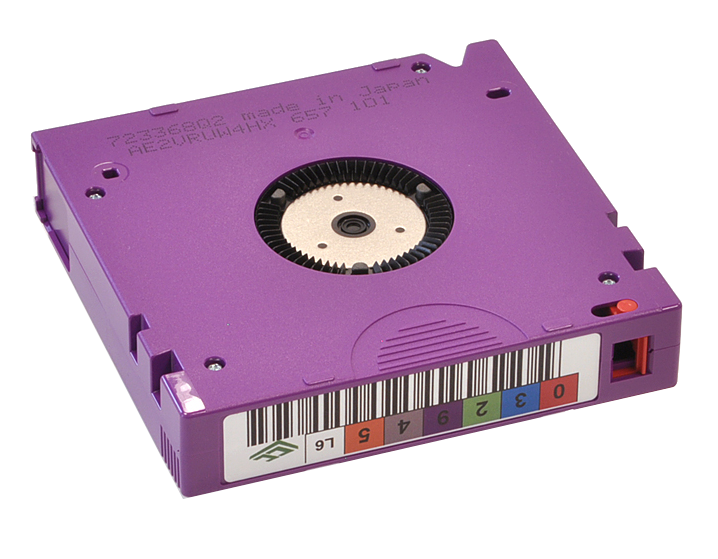
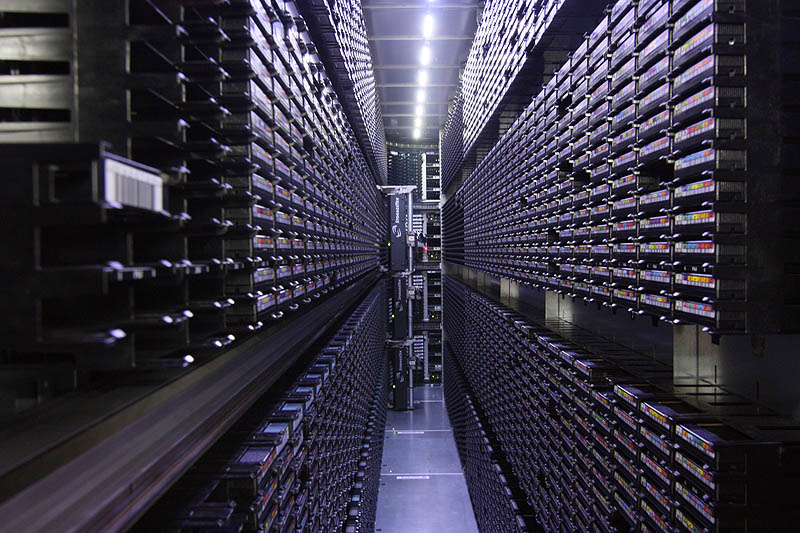
* Collections from 10 TB to x PB * Collections that don’t need to be accessed in seconds * Back up scenarios
Advantages:
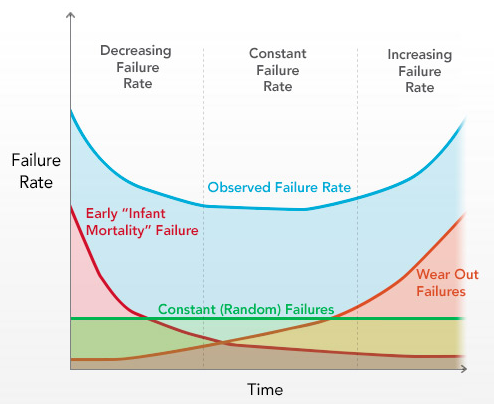
* Relatively low cost for tape stock * Scalable * Portable * Low failure rates
Disadvantages:
* Offline or nearline * Management & migration can be challenging * Proprietary tape filesystems

Imagine you find an old LTO tape…

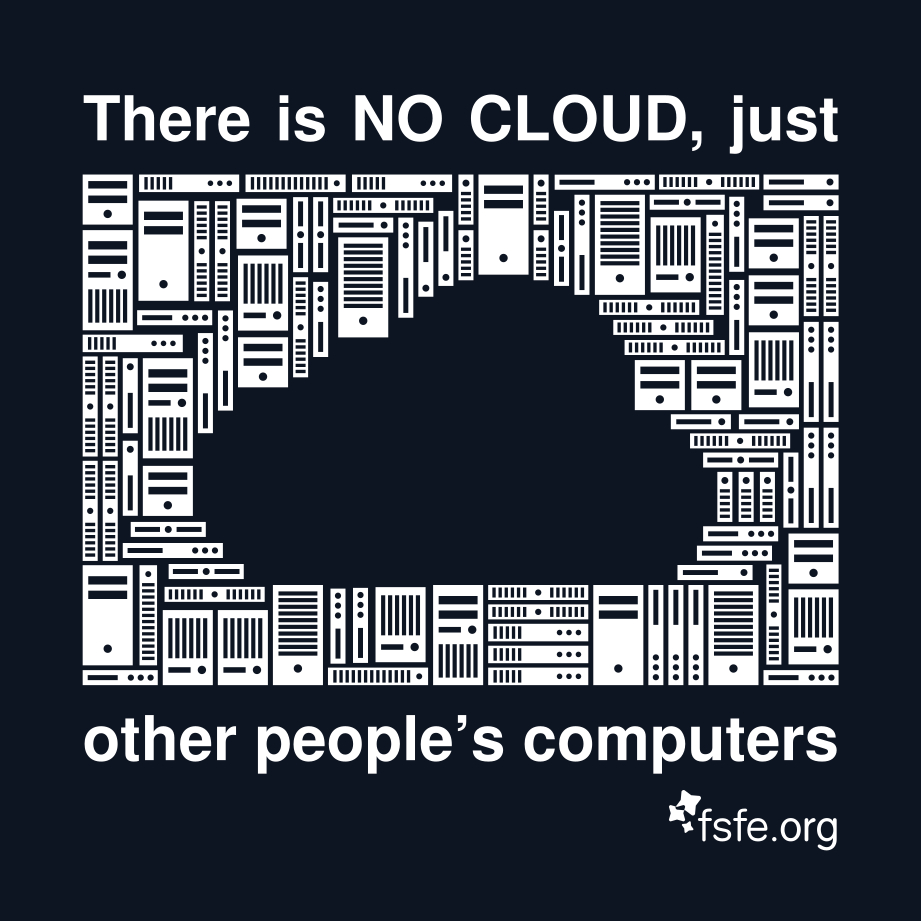
Ideal for:
* Collections from any size * Institutions with limited IT support * Collections that don’t need to be accessed immediately * Fast access to smaller resolution files (streaming)
Advantages:
* Only pay for what you use * Scalable * Reduces the day-to-day management needs * AV: Low-resolution access scenarios
Disadvantages:
* HTTP access can be very slow for large files * Requires careful planning to ensure the correct services are being purchased * Depends on Internet connection * Vendor migration/lock-in
(*) Open formats


JPEG header “signature” = FF D8 FF DB
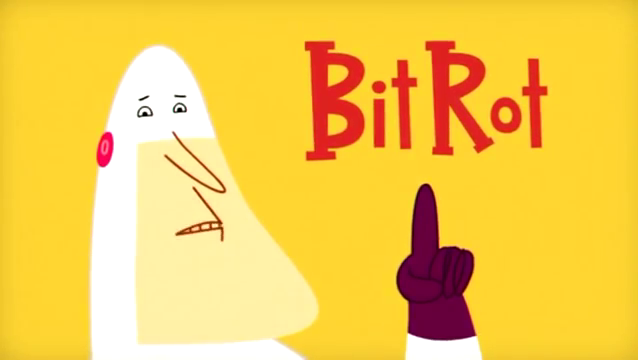
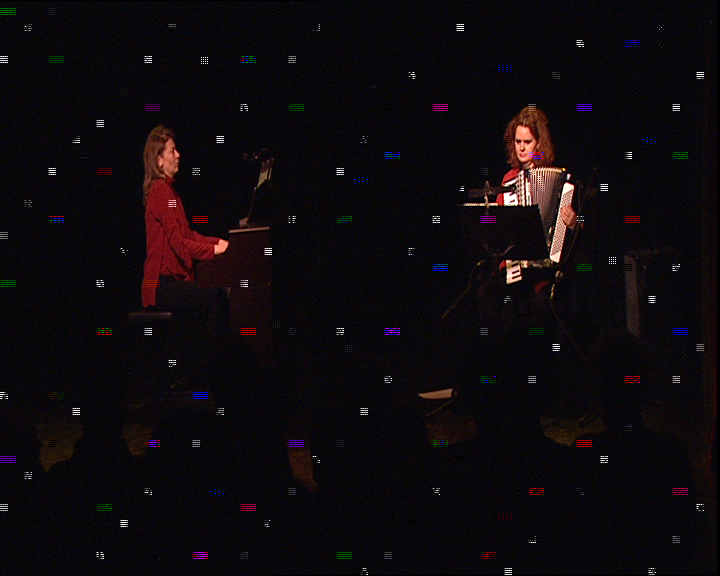
“Bit rot can be caused by a number of sources but the result is always the same – one or more bits in the file have changed, causing silent data corruption. The ‘silent’ part of the data corruption means that you don’t know it happened – all you know is that the data has changed (in essence it is now corrupt).” — Jeffrey B. Layton, Linux Magazine, June 2011
How do you know your data is intact?
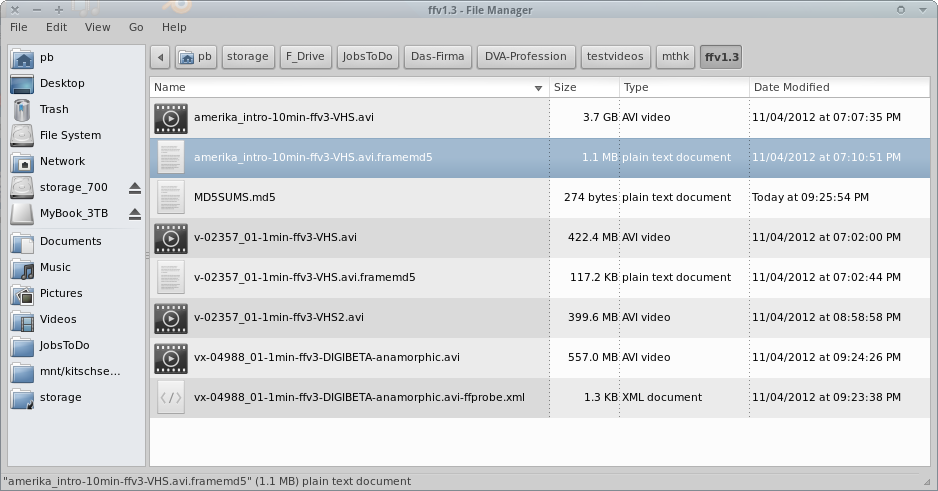
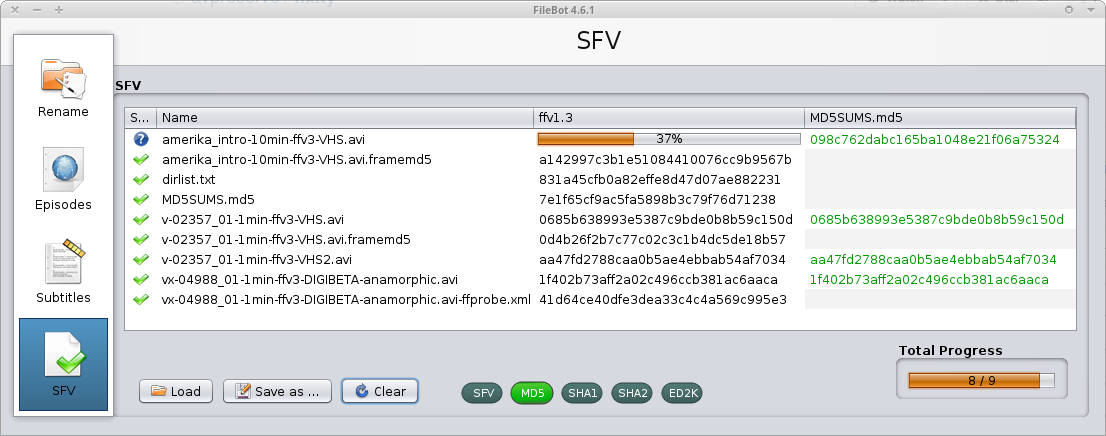
Hashcode manifest files can also be used to check if all files expected are present or additional ones exist that are unaccounted for.
Redundant Array of Inexpensive Disks

“[…] is a data storage virtualization technology that combines multiple physical disk drive components into one or more logical units for the purposes of data redundancy, performance improvement, or both.”
Source: Wikipedia: RAID

“protects data from multiple drives failure, unlike RAID or replication. For example, RAID6 can protect against two drive failure whereas in MinIO erasure code you can lose as many as half of drives and still the data remains safe.”
Source: MinIO Erasure Code Quickstart Guide
“Compared to data replication, erasure-coding approaches have better performance at reducing storage redundancy and data recovery bandwidth.”
Source: Reliability Assurance of Big Data in the Cloud (2015)
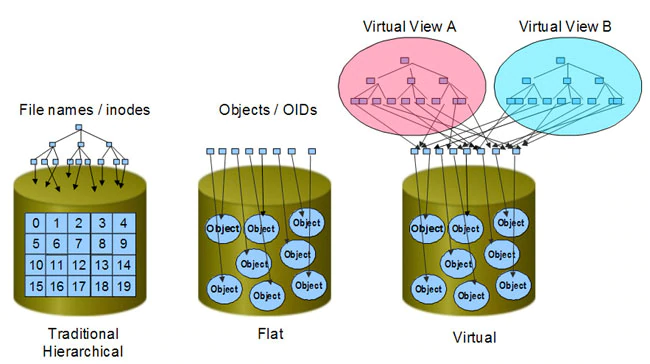
Beyond classical, hierarchical filesystems
|
Object based storage may very likely replace hierarchical filesystems, but things need to be rewritten/adapted to properly support it. It’s not yet plug-compatible with existing programs. |
|
Just an idea so far, but maybe…?
At least 1 backup (=2 copies)
Preferrably 2 backups (=3 copies)
Geographic separate locations (with different threat profile)
Mix storage media
Migrate timely and with a plan (~5-7 years)
Use the right tech for your needs
Periodically check fixity of content and backup
Work with IT to implement and maintain technology.
Comments?
Questions?