Understanding and Selecting a File Format for AV

Peter Bubestinger-Steindl
(peter @ ArkThis.com)

ArkThis AV-RD

Why bother? - Let’s just have:

  • Best quality
  • Smallest filesize
  • Preserve original properties
  • Fast and easy to open/use/edit
  • Lasts forever
  • +cherries 🍒 & ice cream 🍦on top!
The Holy Grail

Tempting…

  • Hey, it’s a standard!
  • Hey, everyone’s using it!
  • Hey, the “big ones” are using it!
  • Hey, it’s from a major company!
  • Hey, it can do everything!
  • Hey, it’s so easy to use!
  • Hey, it’s gratis!

Digital AV formats…

What are your wishes, needs, expectations of a format?

Digital AV formats…

  • Which do you know?
  • Which do you use?
  • Which would you like to know more about?

Digital Video Trinity

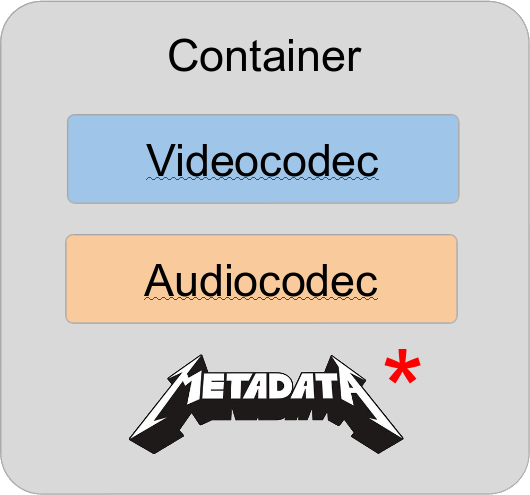
What’s a Container?

“A container format (informally, sometimes called a wrapper) […] is a file format that allows multiple data streams to be embedded into a single file, usually along with metadata for identifying and further detailing those streams.”

Source: Wikipedia: Container format (computing)

What’s a Container?

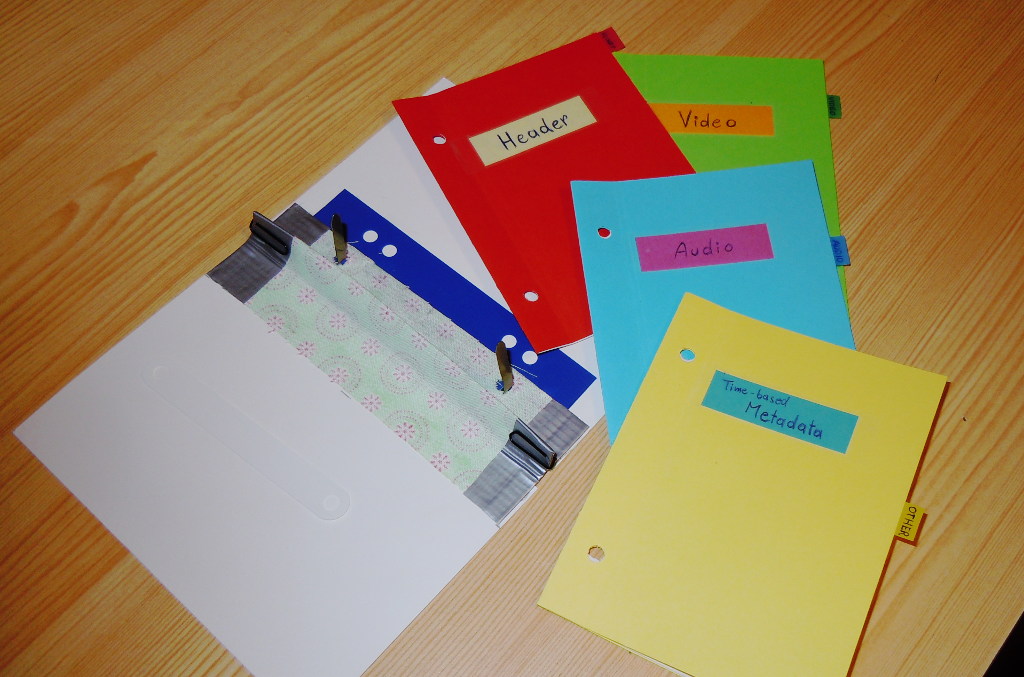
Think of a regular paper folder…

  • It’s a wrapper around content.
  • Contains Metadata.
  • Structures the content streams.
Videofile paper mockup

What’s a Codec?

“A codec is a device or computer program which encodes or decodes a data stream or signal.”

Source: Wikipedia: Codec

What’s a Codec?

Think of a human language…

  • It’s coded information.
  • There may be dialects.
  • Different people may
    “speak / understand” differently.

Format Naming

Triplet notation greatly helps reducing confusion:

  • H.264 / AAC in MP4
  • FFV1 / PCM in MKV (Matroska)
  • ProRes / PCM in MOV
  • DPX / WAV (PCM) in a folder
  • etc

Let’s look inside! :)

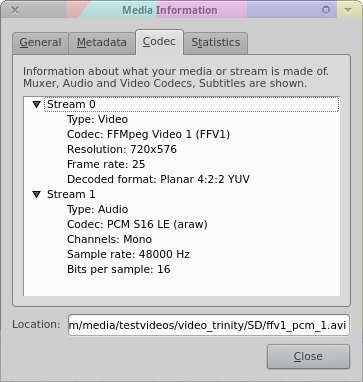
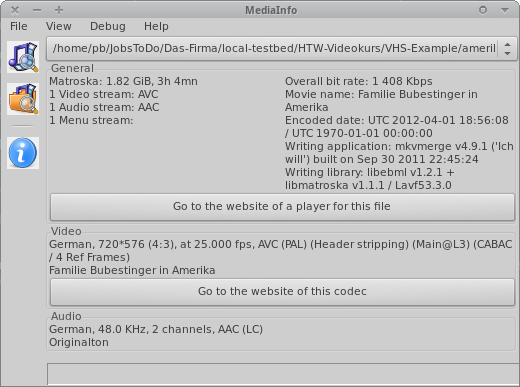
VLC / MediaInfo

Website: videolan.org/vlc Mediainfo’s “Easy View” Website: mediaarea.net/MediaInfo

Characteristics / Properties

File 1 File 2 File 3
Container MOV MOV MOV
Videocodec UYVY H.264 XviD
Resolution 720 x 576px 1920 x 1080 640 x 480
FPS 25 24 30000/1001
-
Audiocodec PCM AAC MP3
Samplerate 48 kHz 48 kHz 44.1 kHz
Channels Stereo Surround 5.1 Mono

Significant properties

Knowing and deciding which properties to safeguard and which are allowed to change.


See:
LoC FADGI: DRAFT Significant Properties for Digital Video
Nestor (DE): Leitfaden DLTP AV Medien

Significant properties

Depend on media type (and use case).

Video Audio Metadata
  • resolution
  • framerate
  • aspect ratio
  • colorspace
  • subsampling
  • “resolution”
    (= samplerate, bit-depth)
  • channels
  • channel layout
  • language
  • title
  • author
  • rights information

“Different strokes for different folks” 😉

  • Digitization: As-original, as-untouched as possible. Records in realtime?
    (Plus: has headroom for optional restoration/improvements.)

  • Preservation: Stand the tests of time.
    (Highest ‘original’ quality)

  • Mezzanine: For daily work. High quality.
    (Optional, if preservation format can be used for this)

  • Access For quick and easy access.
    (Quality not necessarily best/high, but very convenient to play)

For audio: we’re lucky.

PCM/WAV is used from digitization to preservation - and if bandwidth ain’t narrow, even for access.

Why? Because it became “small enough”.

“Different strokes for different folks” 😉

  • Digitization: uncompressed/lossless or very-high quality lossy. (eg: V210, FFV1, MPEG-4 / PCM)

  • Preservation: uncompressed/lossless or (very)high-quality lossy, open & documented, error-robust. (eg: V210, FFV1, MPEG-2, MPEG-4 / PCM)

  • Mezzanine: high-quality/high-bitrate (lossy). (eg: MPEG-2, MPEG-4, ProRes / PCM)

  • Access Most often lossy-compressed currently-popular format combination. (eg: H.264 / AAC in MP4)

Format choice = A balance of …

  • Size vs Quality
  • Features
  • Performance
  • Sustainability
  • plus: time, budget, staff
  • and of course: convenience

Good starting point for assessing practical usefulness.

Risks to format longevity

  • Data errors
  • Obsolescence
  • Vendor lock-in
  • Interoperability/complexity issues

Countermeasures?

Data errors: Error resilience?

  • Bitstream checksums:
    Ability to know if the content is intact.

  • Error concealment: Optional choice of decoder to “mask” decoding issues. (decoder specific)

  • Make backup copies! 😇

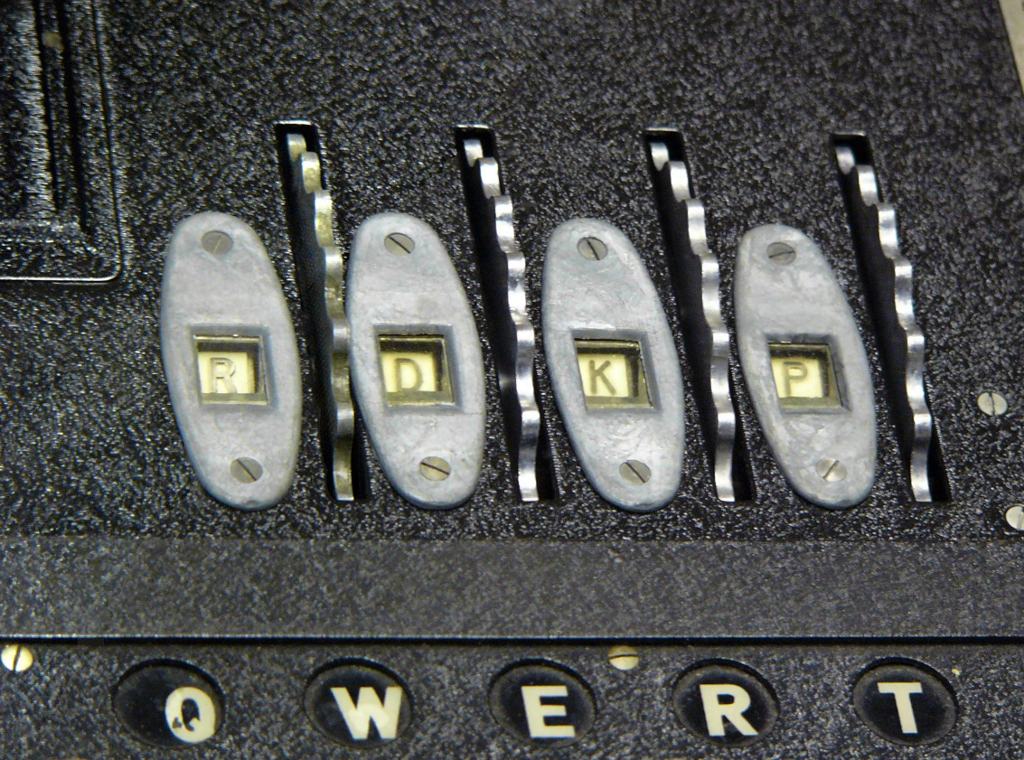
Open vs Closed

Enigma encryption rotor windows

Theory vs Practice

“Implementation overrules paper specs. Always.”

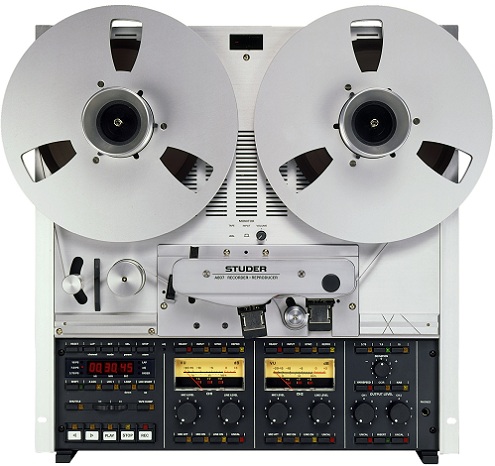
The Eternal Replayer

+ =

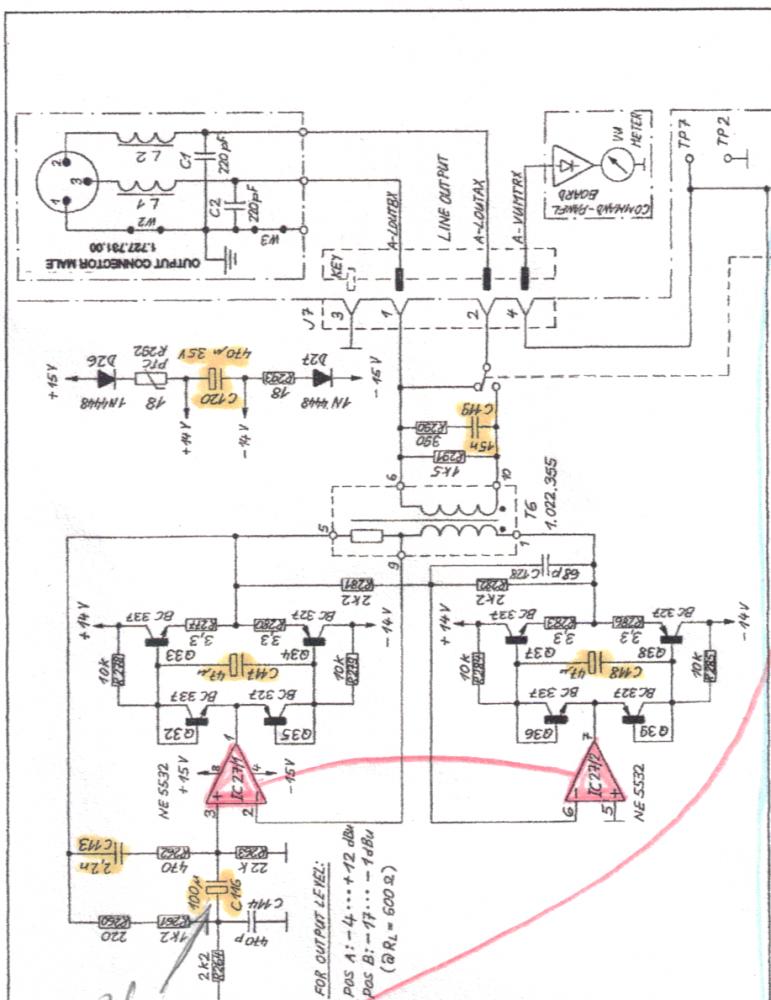
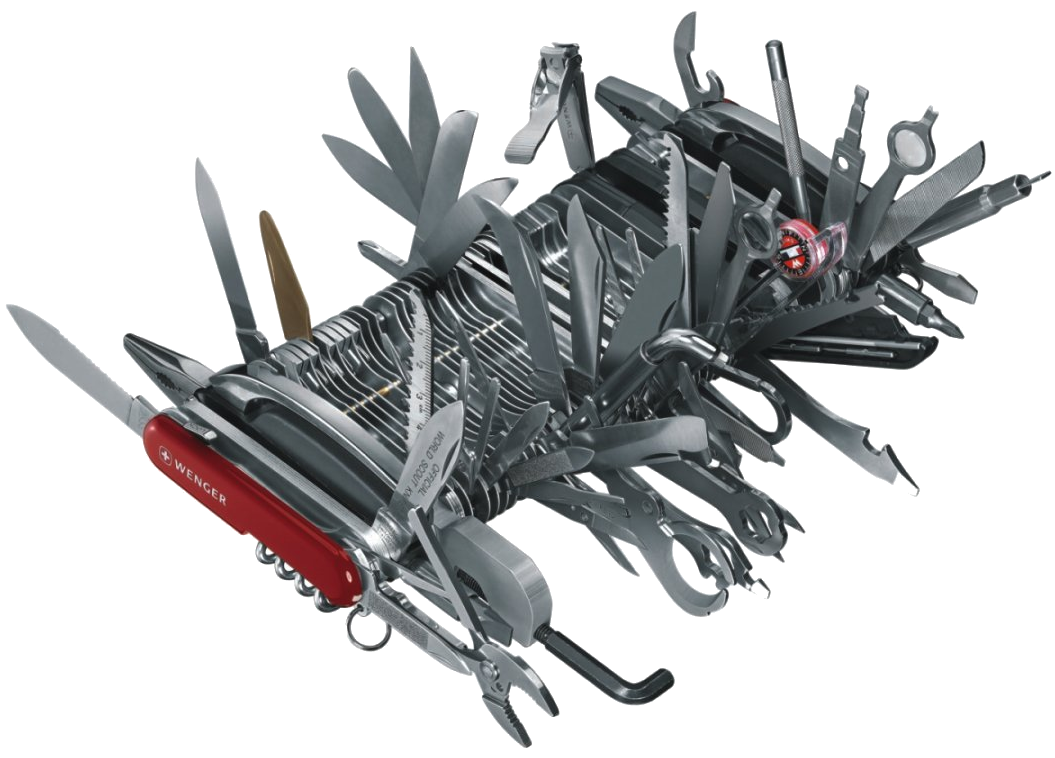
Format Complexity

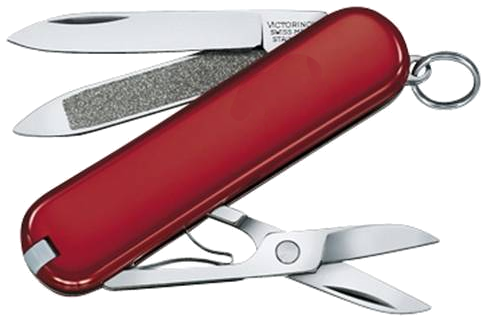
Format Complexity: Less is More

Good rule = “Minimalistic Data Format”:

  • As simple as possible
  • As complicated as necessary

Simpler = more stable, easier to use, keep alive, reconstruct or fix.

Your use cases/priorities?

  • Who will want/need to work with these files?
  • Under which conditions?
  • For how long?
  • Digitization vs Production vs Preservation vs Access?
  • Which properties are significant to you?

Yagni Kiss Moscow?

YAGNI / KISS / MoSCoW

Exercise: Your Format Policy

Must Should Could Won’t
______ ______ ______ ______
______ ______ ______ ______
______ ______ ______ ______
______ ______ ______ ______

Choose a use-case and try to phrase your “wishes”.

Examples of published Policies

Preservation Checklist: translated! ⭐

Sustainability:

  1. Documentation openly accessible?
  2. Open reference implementation?
  3. How likely is it to be supported in tools/devices for which userbase?
  4. Which features are implemented/tested/stable?
  5. Which choice/requirements do I have to handle it beyond “shelf life”?
  6. Is it legal/possible to handle it in future/different situations?
  7. Can it contain proper metadata?

Quality and functionality:

  1. Preserve significant properties?
  2. Sufficient image/sound quality and robustness to multi-generation copies?
  3. Interoperability / ease of usage & access?
  4. Direct use for editing?
  5. How many different formats will I need (pile up)?
  6. Handle performance / data size requirements?

- Fin -

Questions?

Comments?

Peter Bubestinger-Steindl

Peter @ ArkThis.com