Understanding and Selecting a File Format
Introduction

Peter Bubestinger-Steindl

2022-04-26

Why bother? - Let’s just have:

  • Best quality
  • Preserve original properties
  • Lowest size
  • Fast and easy to open/use
  • Lasts forever
  • +cherries 🍒 & ice cream 🍦on top!
The Holy Grail

Which digital AV formats…

  • do you know?
  • do you use?
  • would you like to know more about?

Digital Video Trinity

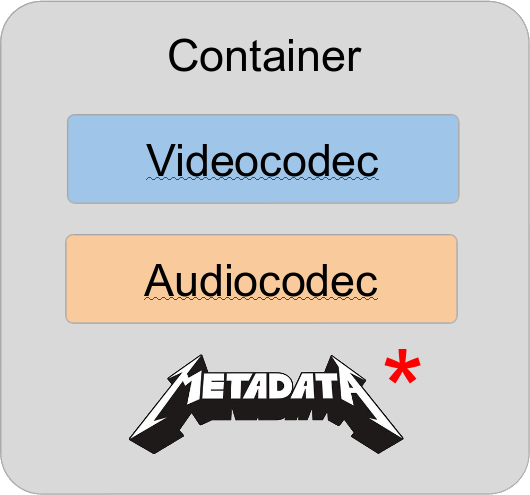
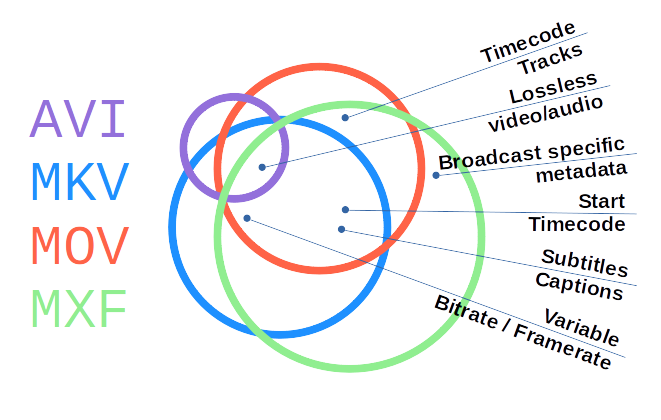
What’s a Container?

“A container format (informally, sometimes called a wrapper) […] is a file format that allows multiple data streams to be embedded into a single file, usually along with metadata for identifying and further detailing those streams.”

Source: Wikipedia: Container format (computing)

What’s a Container?

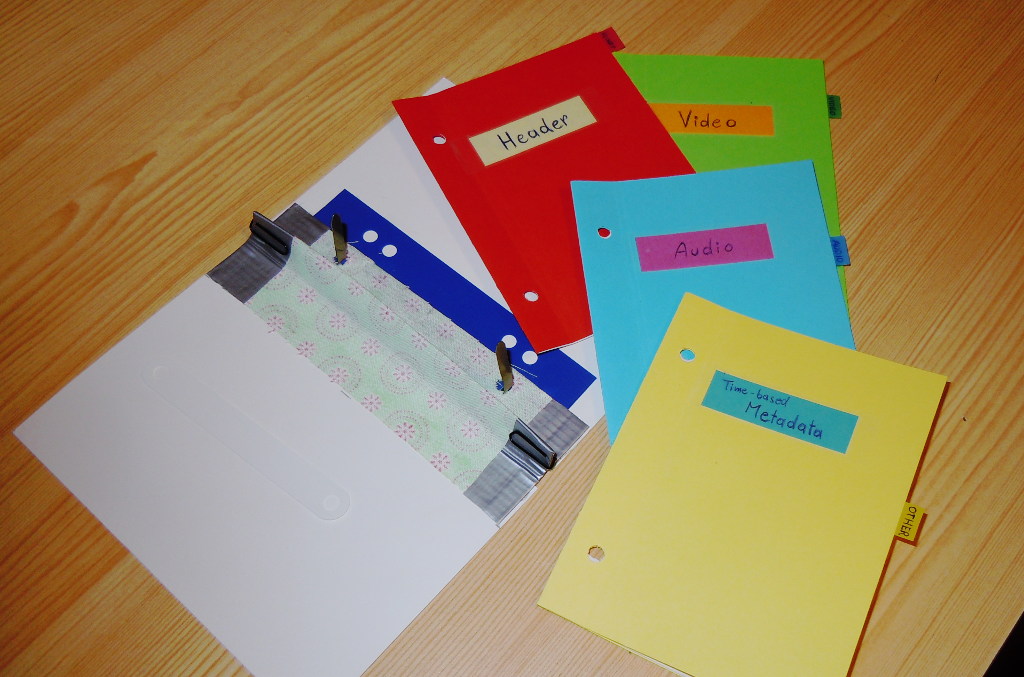
Think of a regular paper folder…

  • It’s a wrapper around content.
  • Contains Metadata.
  • Structures the content streams.
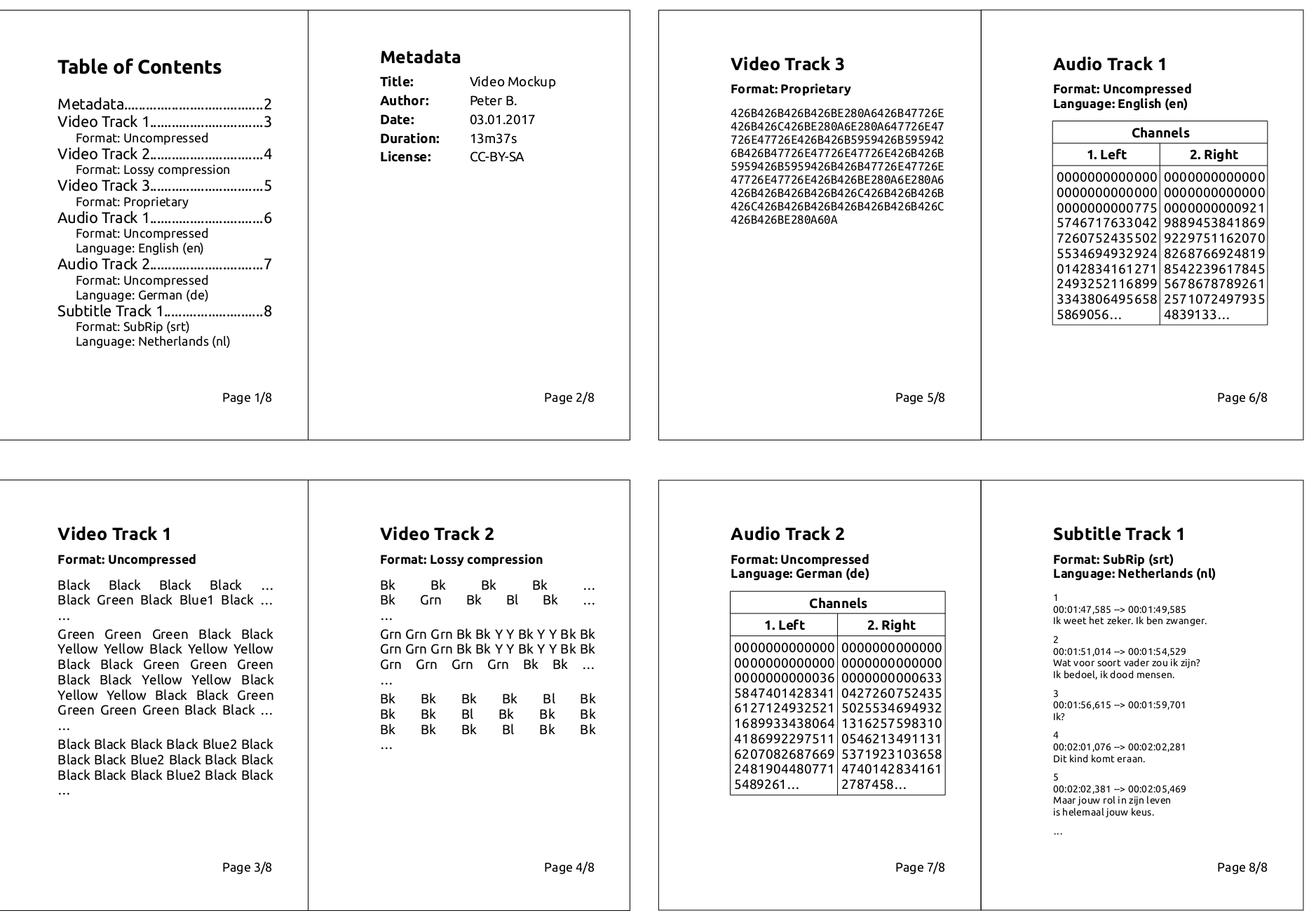
Videofile paper mockup

What’s a Codec?

“A codec is a device or computer program which encodes or decodes a data stream or signal.”

Source: Wikipedia: Codec

What’s a Codec?

Think of a human language…

  • It’s coded information.
  • There may be dialects.
  • Different people may
    “speak / understand” differently.

Format Naming

Triplet notation greatly helps reducing confusion:

  • H.264 / AAC in MP4
  • FFV1 / PCM in MKV (Matroska)
  • ProRes / PCM in MOV
  • DPX / WAV (PCM) in a folder
  • etc

Let’s look inside! :)

Paper analogy

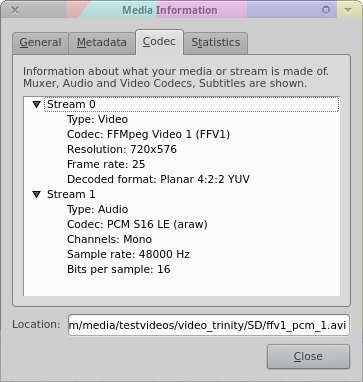
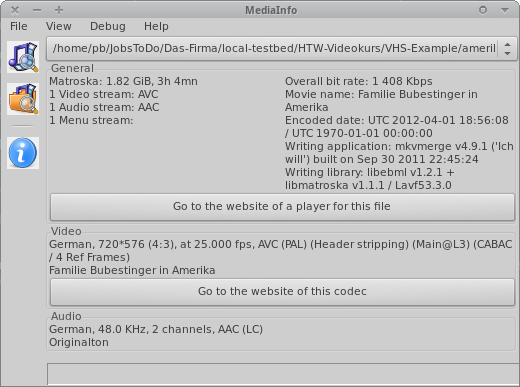
VLC / MediaInfo

Website: videolan.org/vlc Mediainfo’s “Easy View” Website: mediaarea.net/MediaInfo

Characteristics / Properties

File 1 File 2 File 3
Container MOV MOV MOV
Videocodec UYVY H.264 XviD
Resolution 720 x 576px 1920 x 1080 640 x 480
FPS 25 24 30000/1001
-
Audiocodec PCM AAC MP3
Samplerate 48 kHz 48 kHz 44.1 kHz
Channels Stereo Surround 5.1 Mono

Digital AV Properties

Format choice = A balance of …

  • Size
  • Quality
  • Performance
  • plus: time, budget, staff

Good starting point for assessing practical usefulness.

In greater detail…

Sustainability:

  1. Disclosure?
  2. Open reference implementation/libs?
  3. Adoption/popularity?
  4. Complexity?
  5. Independence vs external contingencies?
  6. Artificial restrictions?
  7. Self descriptive?

Quality and functionality:

  1. Preserve “original”?
  2. Image/sound quality?
  3. Interoperability?
  4. Editing?
  5. Support for (additional/expected) properties?
  6. Performance & data size?

“Different strokes for different folks” 😉

  • Digitization: As-original, as-untouched as possible. (Plus: headroom for optional restoration/improvements.)

  • Preservation: Stand the test of time.
    (Highest ‘original’ quality)

  • Mezzanine: For daily work. High quality.
    (Optional, if preservation format can be used for this)

  • Access For quick and easy access.
    (Quality not necessarily best/high)

Format Wars

“My format is ... than yours. Bäh!”

Options = 😝 🤑 🤩 🤫 🤔 🤐 😴 🤮 ... Have fun!

Your use cases/priorities?

  • Who will want/need to work with these files?
  • Under which conditions?
  • For how long?
  • Digitization vs Production vs Preservation vs Access?
  • Which properties are significant to you?

Significant properties

Knowing and deciding which properties to safeguard and which are allowed to change.


See:
LoC FADGI: DRAFT Significant Properties for Digital Video
Nestor (DE): Leitfaden DLTP AV Medien

Significant properties

Depend on media type (and use case).

Video Audio Metadata
  • resolution
  • framerate
  • aspect ratio
  • colorspace
  • subsampling
  • “resolution”
    (= samplerate, bit-depth)
  • channels
  • channel layout
  • language
  • title
  • author
  • rights information

Yagni Kiss Moscow?

YAGNI / KISS / MoSCoW

Exercise: Your Format Policy

Must Should Could Won’t
______ ______ ______ ______
______ ______ ______ ______
______ ______ ______ ______
______ ______ ______ ______

Split in groups, choose a use-case and try to phrase your “wishes”.

Comparison of institutional policies