Understanding and Selecting a File Format

Peter Bubestinger-Steindl

2021-11-18

Why bother? - Let’s just have:

  • Best quality
  • Preserve original properties
  • Lowest size
  • Fast and easy to open/use
  • Lasts forever
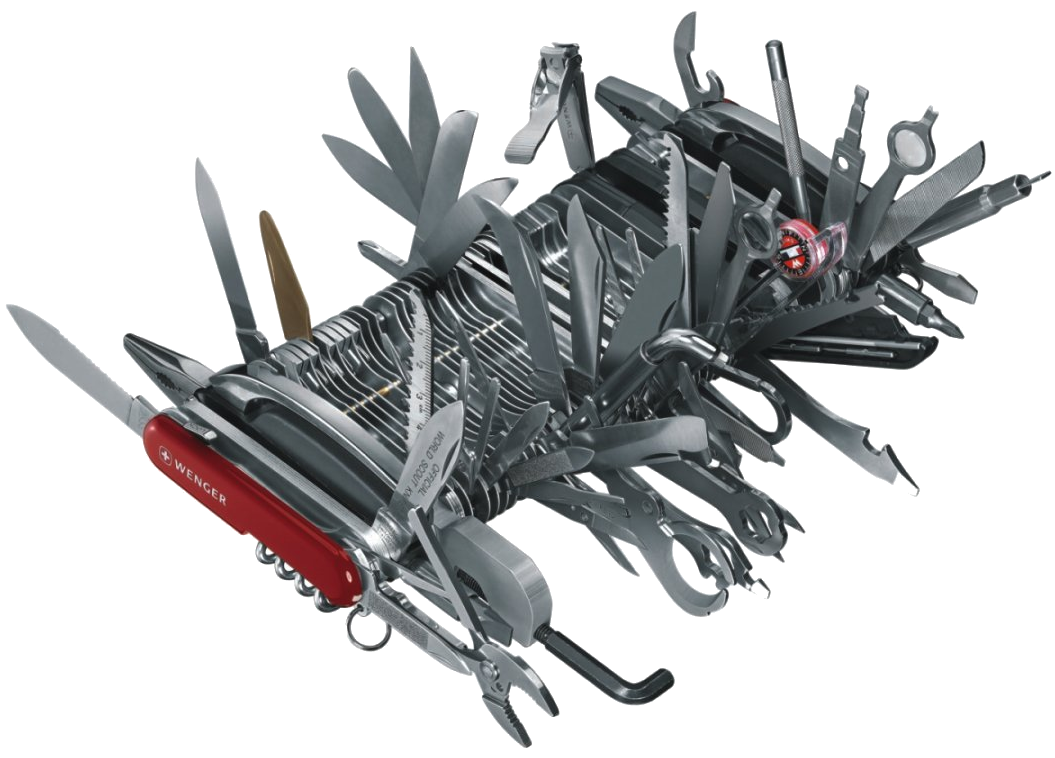
  • +cherries 🍒 & ice cream 🍦on top!
The Holy Grail

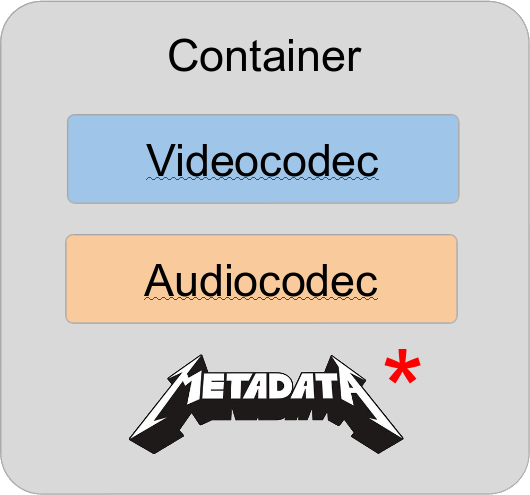
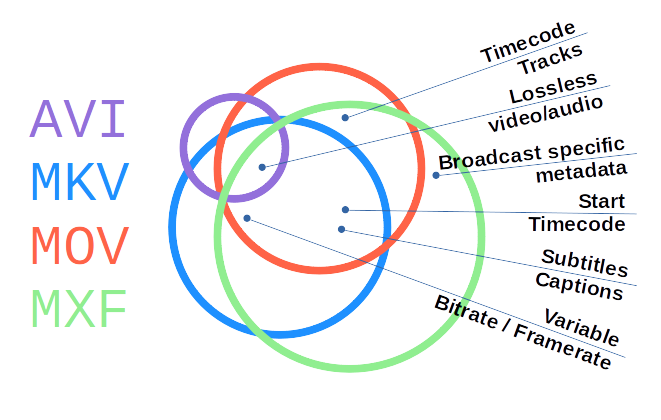
Digital Video Trinity

Format Naming

Triplet notation greatly helps reducing confusion:

  • H.264 / AAC in MP4
  • FFV1 / PCM in MKV (Matroska)
  • ProRes / PCM in MOV
  • DPX / WAV (PCM) in a folder
  • etc

What’s a Codec?

“A codec is a device or computer program which encodes or decodes a data stream or signal.”

Source: Wikipedia: Codec

What’s a Codec?

Think of a human language…

  • It’s coded information.
  • There may be dialects.
  • Different people may
    “speak / understand” differently.

What’s a Container?

“A container format (informally, sometimes called a wrapper) […] is a file format that allows multiple data streams to be embedded into a single file, usually along with metadata for identifying and further detailing those streams.”

Source: Wikipedia: Container format (computing)

What’s a Container?

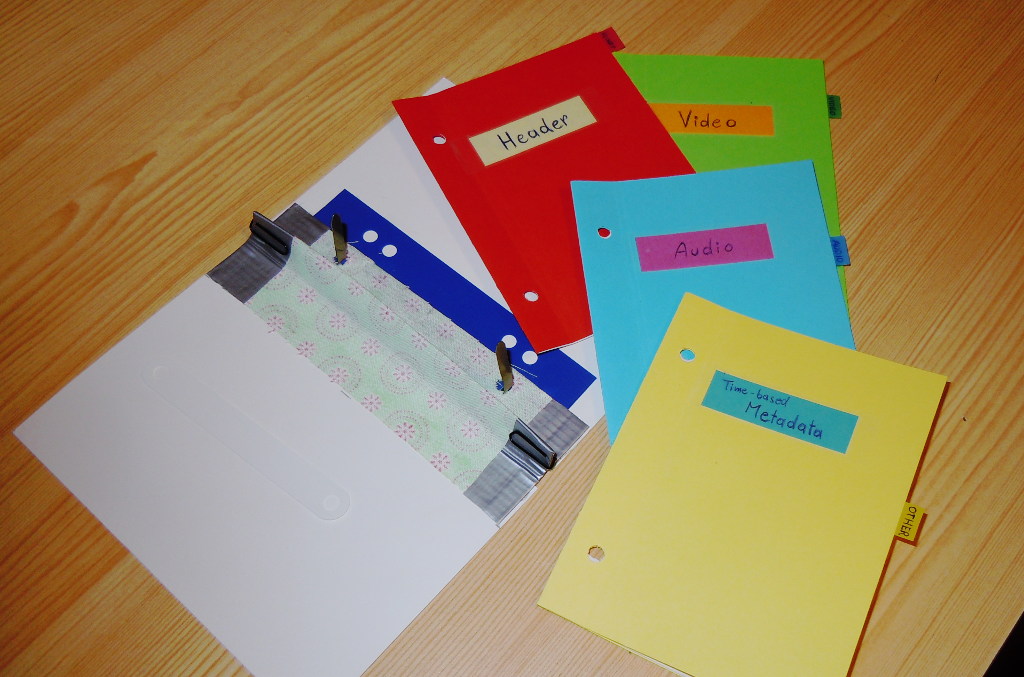
Think of a regular paper folder…

  • It’s a wrapper around content.
  • Contains Metadata.
  • Structures the content streams.
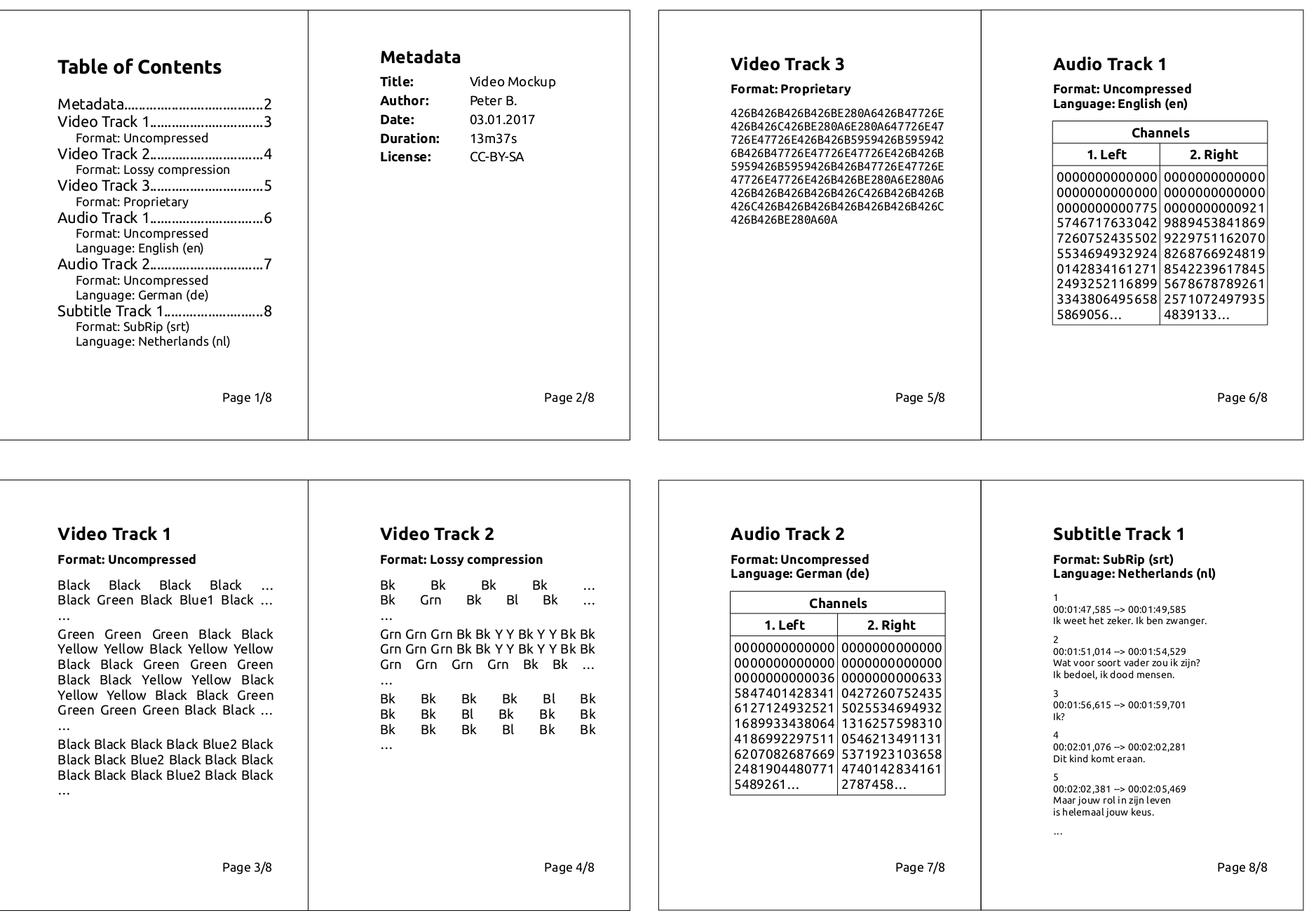
Videofile paper mockup

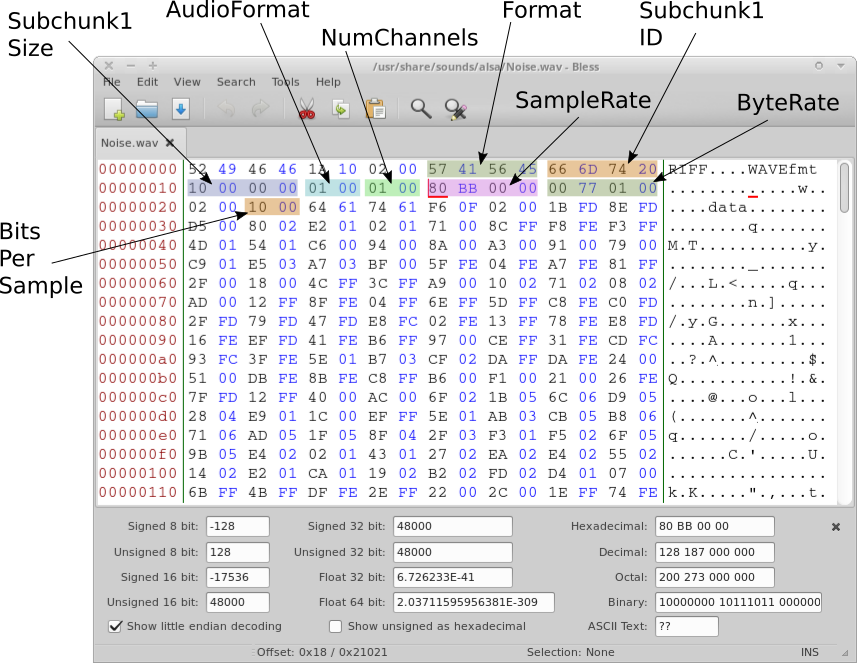
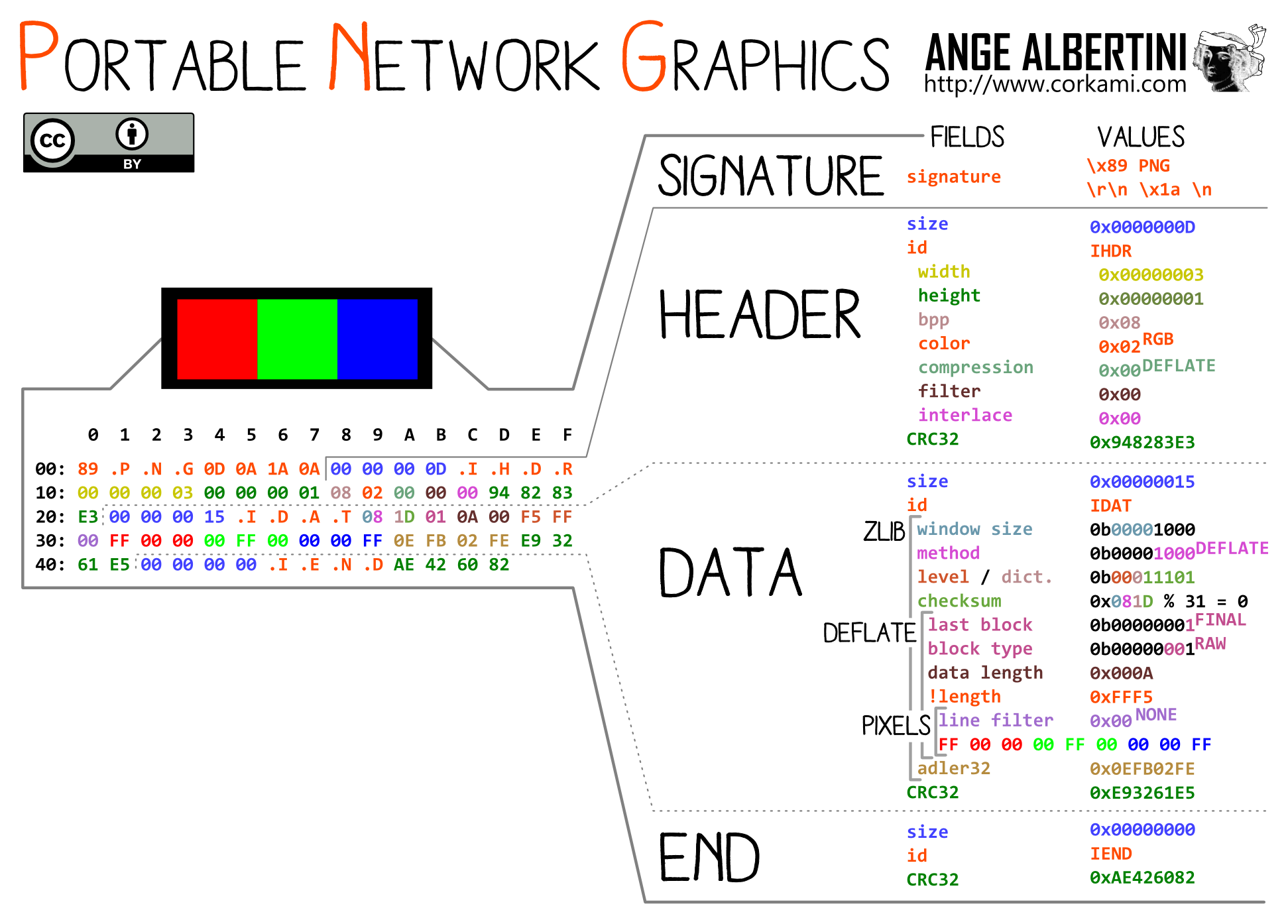
Let’s look inside! :)

Data Structure (Hex Editor)

Hex view of WAV header (annotated)

(Documented?) Data Structure

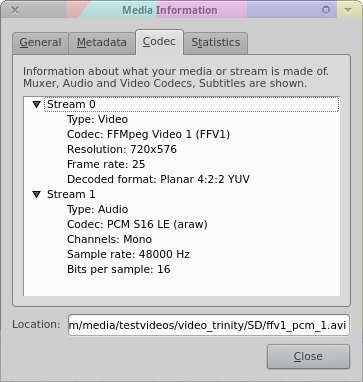
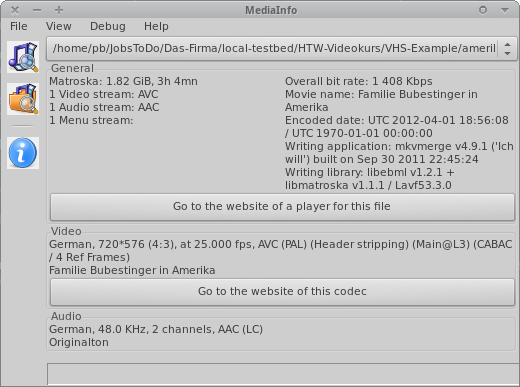
VLC / MediaInfo

Website: videolan.org/vlc Mediainfo’s “Easy View” Website: mediaarea.net/MediaInfo

Characteristics / Properties

File 1 File 2 File 3
Container MOV MOV MOV
Videocodec UYVY H.264 XviD
Resolution 720 x 576px 1920 x 1080 640 x 480
FPS 25 24 30000/1001
-
Audiocodec PCM AAC MP3
Samplerate 48 kHz 48 kHz 44.1 kHz
Channels Stereo Surround 5.1 Mono

Format choice = A balance of …

Sustainability:

  1. Disclosure?
  2. Open reference implementation/libs?
  3. Adoption/popularity?
  4. Complexity?
  5. Independence vs external contingencies?
  6. Artificial restrictions?
  7. Self descriptive?

Quality and functionality:

  1. Preserve “original”?
  2. Image/sound quality?
  3. Interoperability?
  4. Editing?
  5. Support for (additional/expected) properties?
  6. Performance & data size?

⭐Translates to…

Sustainability:

  1. Documentation openly accessible?
  2. Open reference implementation?
  3. How likely is it to be supported in tools/devices for which userbase?
  4. Which features are implemented/tested/stable?
  5. Which choice/requirements do I have to handle it beyond “shelf life”?
  6. Is it legal/possible to handle it in future/different situations?
  7. Can it contain proper metadata?

Quality and functionality:

  1. Preserve significant properties?
  2. Sufficient image/sound quality and robustness to multi-generation copies?
  3. Interoperability / ease of usage & access?
  4. Direct use for editing?
  5. How many different formats will I need (pile up)?
  6. Handle performance / data size requirements?

Your format(s)…?

Your use cases/focus?

  • Who will want/need to work with these files?
  • Under which conditions?
  • For how long?
  • Digitization vs Production vs Preservation vs Access?
  • Which properties are significant to you?

“Different strokes for different folks” 😉

  • Digitization: As-original, as-untouched as possible. Headroom for optional restoration/improvements.

  • Preservation: Stand the test of time.
    Highest original quality.

  • Mezzanine: For daily work. High quality.
    Optional, if preservation format can be used for this.

  • Access For quick and easy access.
    Quality not necessarily best/high.

Significant properties

Knowing and deciding which properties to safeguard and which are allowed to change.


See:
LoC FADGI: DRAFT Significant Properties for Digital Video
Nestor (DE): Leitfaden DLTP AV Medien

Significant properties

Depend on media type (and use case).

Video Audio
  • resolution
  • framerate
  • aspect ratio
  • colorspace
  • subsampling
  • “resolution”
    (= samplerate, bit-depth)
  • channels
  • channel layout

Quality

  • Avoid generation loss. (if possible)
  • Avoid resizing. (=rescaling)
  • Don’t invent more bits. (e.g. DV as v210)
  • Preserve colorspace / bit-depth, etc.
  • More headroom for lower quality. (e.g. 24bit/96kHz for Shellack)
  • Select high enough bitrate. (lossy)
    (Or proper “Constant Rate Factor (CRF)”)

Bitrate = Data per Time

  • Mbps / 8 = MB / second
  • MB/s * 60 = MB / minute
  • MB/min * 60 = MB / hour

btw: Constant (CBR) vs Variable (VBR) bitrate?

Size

  • Bitrate = Size vs Quality
    (bitrate as parameter exists only for lossy encoding)
  • Uncompressed > lossless > lossy

Performance

Often a tradeoff between:

Processing power (CPU/RAM)
(format/algorithm complexity)
I/O bandwidth (disk/network)
(data size)

Format Examples

Video Audio in Container
Preservation:
  • V210
  • FFV1, J2K
  • High-bitrate lossy
  • PCM
  • FLAC
  • MOV
  • MKV
  • MXF
Mezzanine:
  • ProRes
  • H.264
  • DVCPRO50
Access:
  • H.264
  • VP9
  • DVD
  • BluRay
  • MP3
  • AAC
  • Opus
  • MP4 (M4V)
  • MKV (WebM)
  • MPG

Lossy, Lossless, Uncompressed?

How it affects quality and preservation.

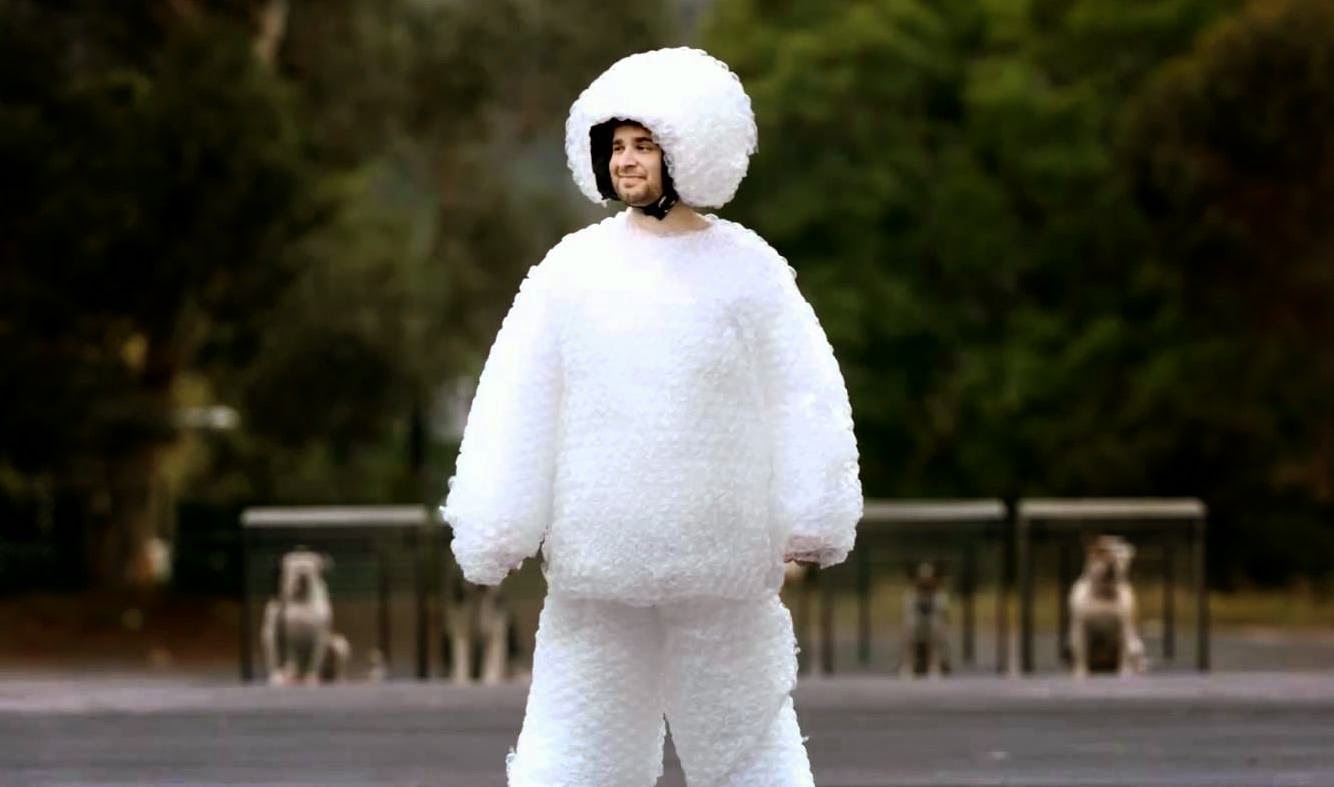
Lossy

Zlad! Elektronik Supersonik

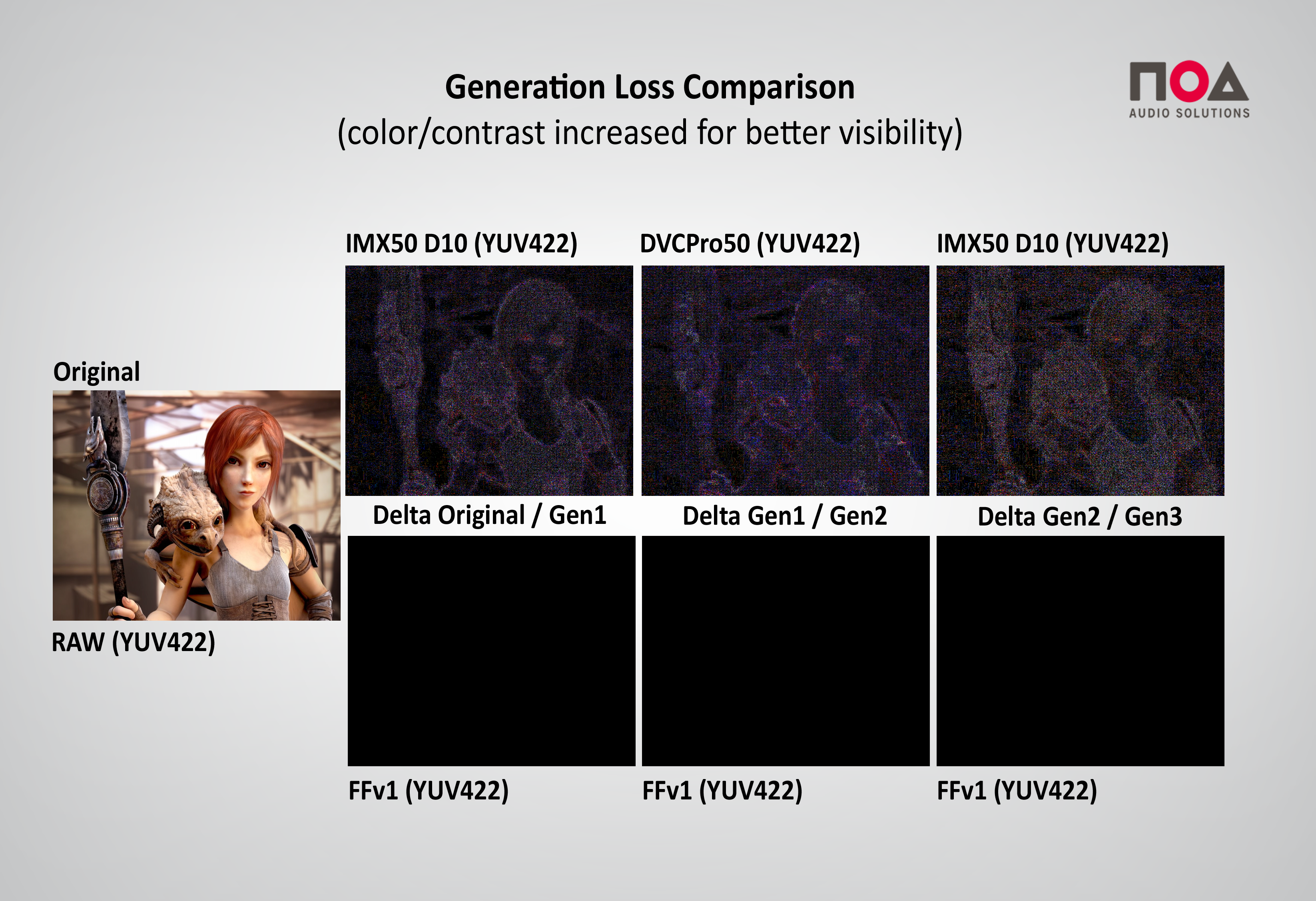
Generation Loss

Lossless

“It’s like ZIP for film!”

  • No generation loss
  • Way larger than lossy
  • Smaller than uncompressed

Uncompressed

  • No generation loss
  • Dead simple (=preserves well)
  • The largest possible version
  • Uncompressed != Uncompressed?
    There’s more than just 1 “uncompressed”
    (Ex: RGB, BGR, UYVY, YUY2, V210, etc)

Uncompressed - Think of it as:

4px RGB Image: (8bpc = 24bit/pixel)

RGB RGB RGB RGB     (4*3 = 12 byte)

4px YUV Image: (8bpc, 4:2:2, 16bit/pixel)

UYVY UYVY           (2*4 = 8 byte)

2 samples audio: (2ch, 16bits)

LL RR LL RR         (4*2 = 8 byte)

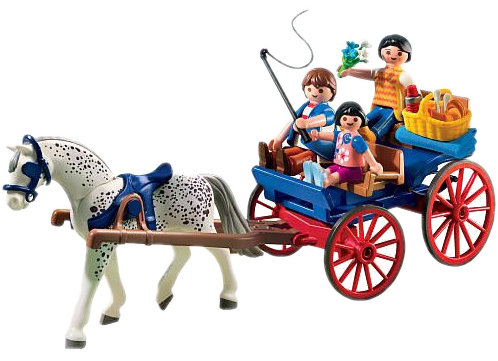
Paper analogy

Risks to format longevity

  • Data errors
  • Obsolescence
  • Vendor lock-in
  • Format complexity
  • Interoperability issues

Countermeasures?

Data errors: Error resilience?

  • Bitstream checksums:
    Ability to know if the content is intact.

  • Error concealment: Optional choice of decoder to “mask” decoding issues. (decoder specific)

  • Make backup copies! 😇

Obsolescence / Vendor Lock-in

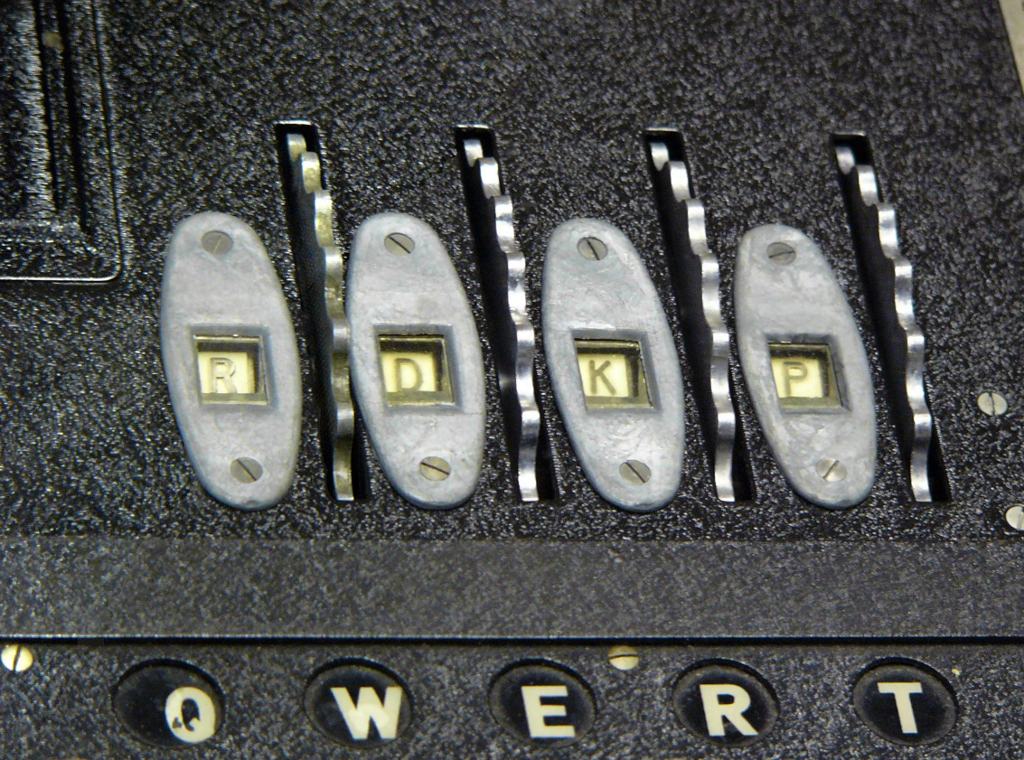
Open vs Closed

Enigma encryption rotor windows

Theory vs Practice

“Implementation overrules paper specs. Always.”

The Eternal Replayer

+ =

Format Complexity

Format Complexity: Less is More

Good rule = “Minimalistic Data Format”:

  • As simple as possible
  • As complicated as necessary

Simpler = more stable, easier to use, keep alive, reconstruct or fix.

Yagni kiss Moscow?

YAGNI / KISS / MoSCoW

Summary: Preservation Format

  • Can be used to generate all other versions.
  • Depicts the “original” source as accurately as possible.
  • No artifical restrictions for using it.
    Now and under unknown future (=unknown) conditions.
  • Well documented, no secrets, FOSS implementation exists.
  • Bit error resilience would be nice.
  • Consider GOP=1 (=Intraframe only).
  • Audio format: Normalize to uncompressed PCM/WAV.
  • For video container formats, consider using MKV or MOV.
    MXF only if really necessary because:
  • As simple as possible, as complicated as necessary.

summarizes as: “preserves well

Best practices for ingest/digitization

  • Capture analog video without adding generation loss.
    Uncompressed (v210) or lossless (FFV1, J2K).

  • Or fallback option: high-quality lossy. At the highest quality (bitrate) you can store and manage well over time.

  • Capture digital tape as “natively” as possible. (MiniDV, DAT, DigiBeta, etc.)

  • Store already-digital files “as original” as possible.
    Transcode only if codec does not satisfy “sustainability” checklist. Rewrap/rewrite container. Always. Even if identical.

Tempting…

  • Hey, it’s a standard!
  • Hey, everyone’s using it!
  • Hey, the “big ones” are using it!
  • Hey, it’s from a major company!
  • Hey, it can do everything!
  • Hey, it’s so easy to use!
  • Hey, it’s gratis!

Rather…

  • ask, ask, ask.
  • get documentation.
  • get sample files.
  • try handling/opening them outside their “usual” bubble.

  • with at least 1 open implementation.

Comments?

Questions?

p.bubestinger@av-rd.com