Managing and storing digital AV assets - Dos, Donts and Dunnos

Peter Bubestinger-Steindl
PB @ AV-RD.com

November 22nd, 2021

Storage

Considerations

  • Storage market focus may deviate from your (=preservation) use case.
  • Business “longterm”: 3-5 years (=product lifecycle)
  • Cross vendor compatibility? Standards? Documentation?
  • Spare parts?
  • This market focus affects prices, features and reusability.

Data storage has layers to consider…

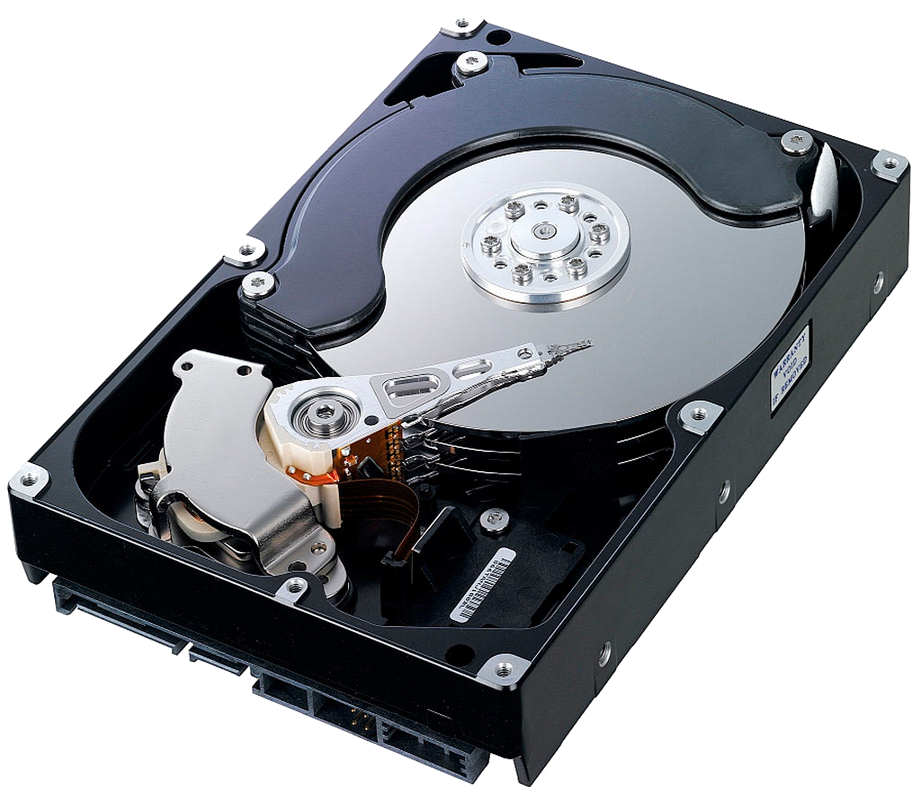
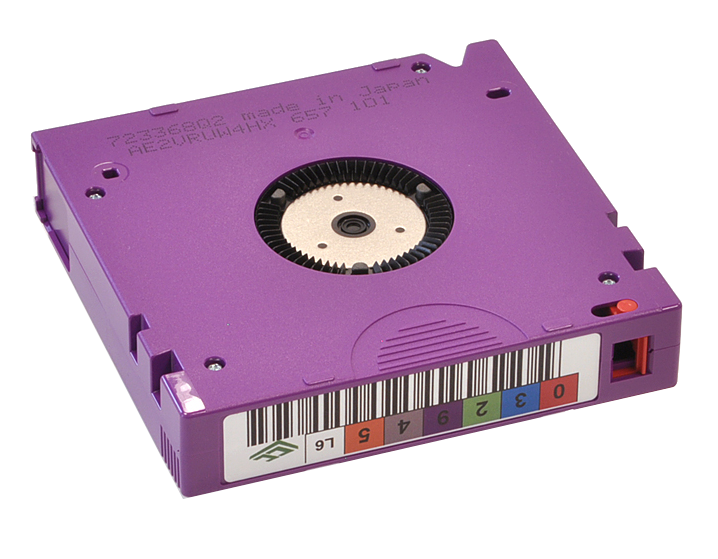
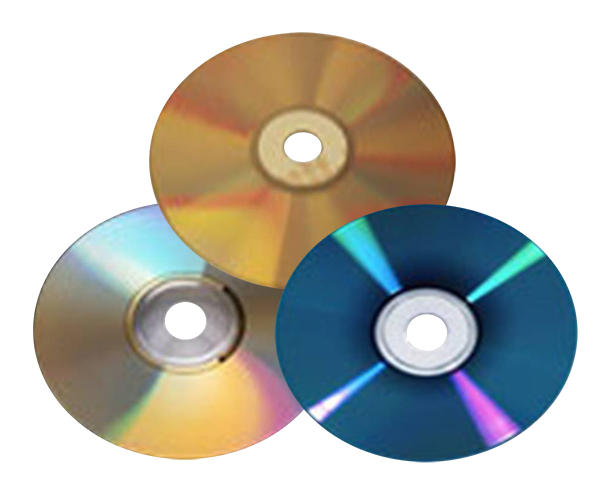
Physical carrier

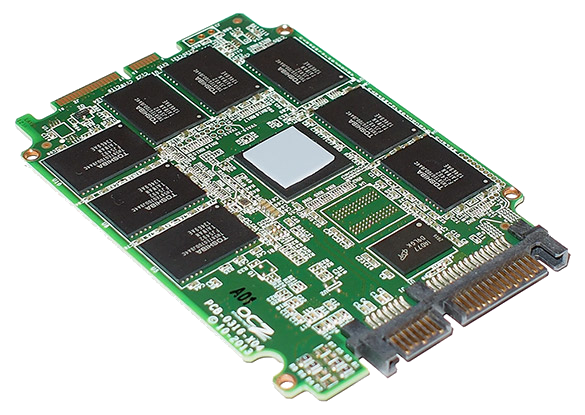
Classic “Spinning Platters” harddrive LTO: Linear Tape Open cartridge Optical Disks SSD: Solid State Disk (no cover) SD cards

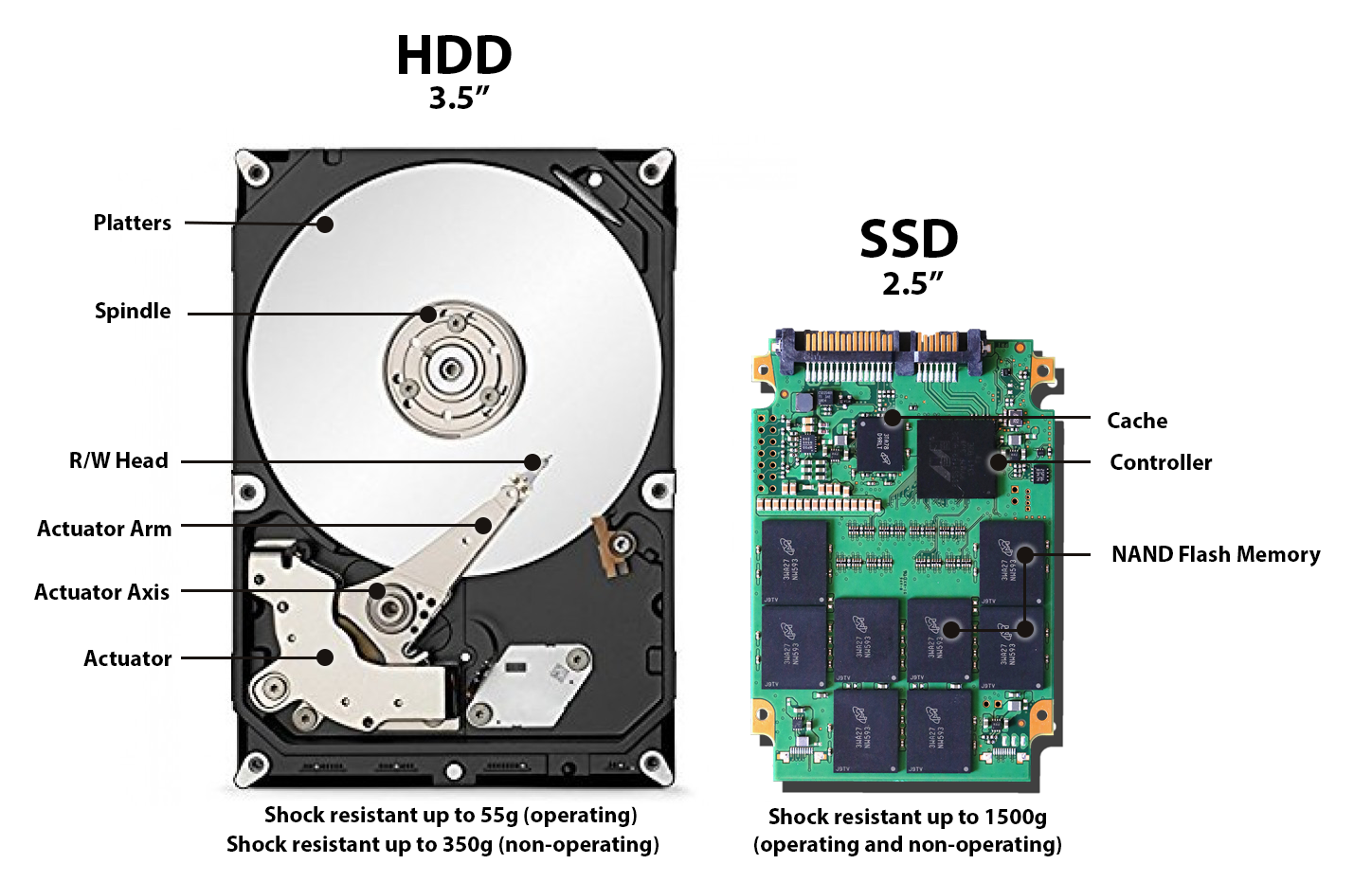
HDD vs SSD

SSDs: less stuff to break

Good to know:

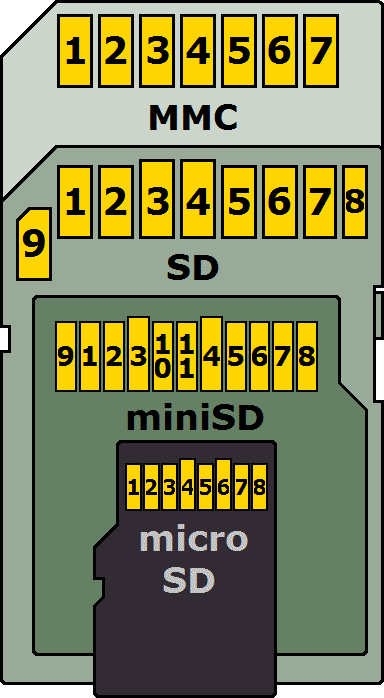
  • Higher data density = more impact of an error.
    Example: 1mm hole in CD vs DVD vs BluRay - or SD vs MicroSD, etc.
  • HDD: The longer it is active, the shorter is lives.
  • But: “Hardware that lies, dies.
  • Be aware if your HDD is “Shingled (SMR)” or not.

Tape & Drives

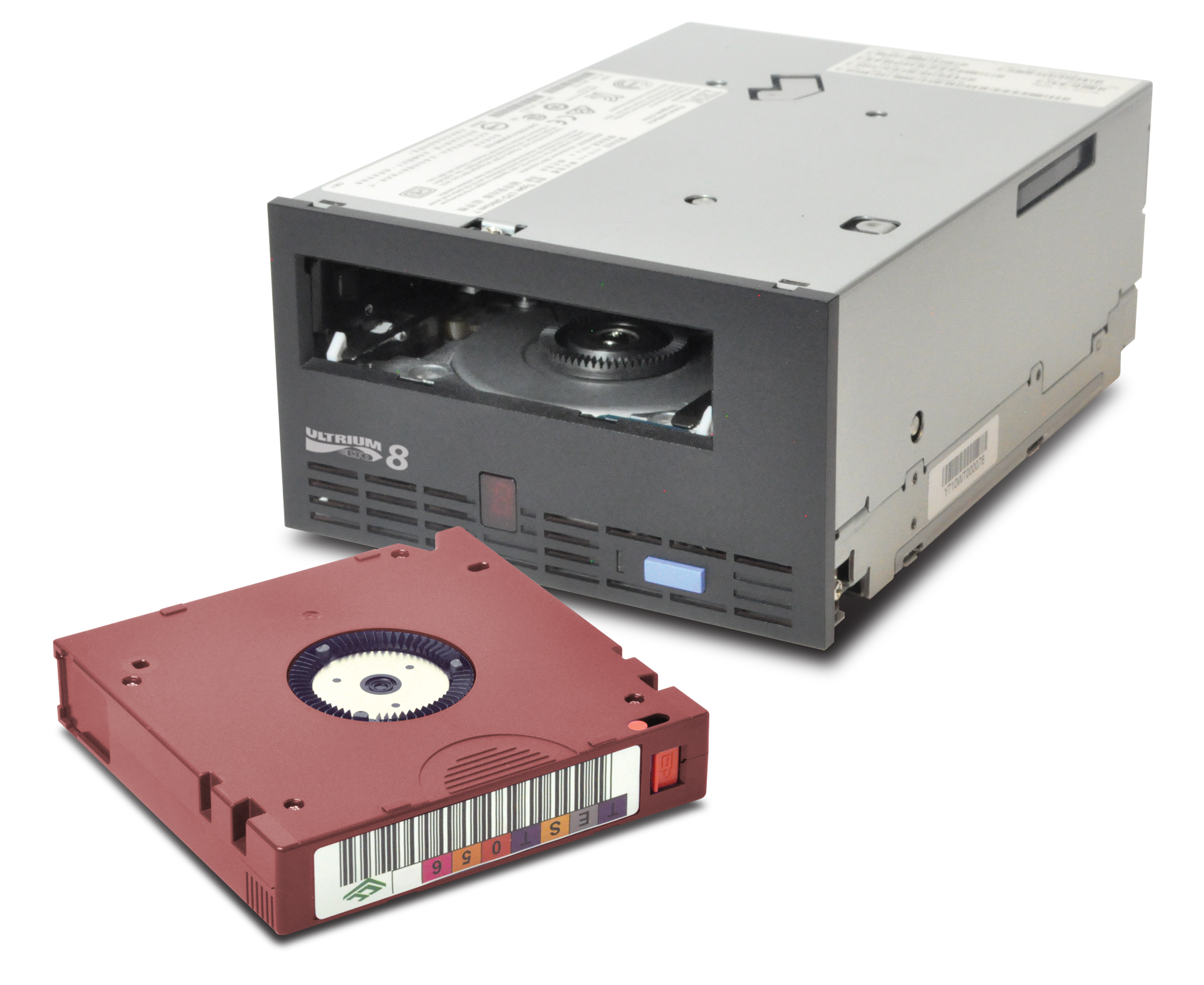
LTO tape with a drive

LTO Generations

Imagine you find an old LTO tape…

  • Not every drive can read every tape.
  • New LTO generation release: ~every 2-3 years.
  • < LTO-7: Read=2 gen. / Write=1 gen.
  • BUT: LTO-8: Read/write=1 gen.!

The File System

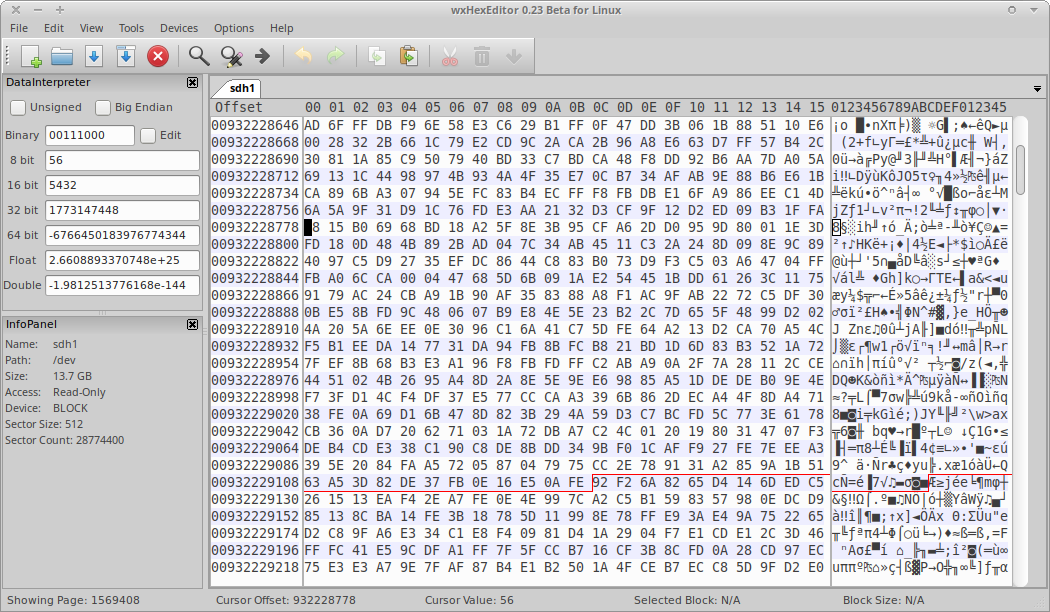
A drive partition viewed as raw data

LTFS: Linear Tape File System

  • Open specification = vendor neutral
  • Better for preservation, but may not support “convenience” features.
  • All implementations must:
    • Correctly read media that was compliant with any prior version.
    • Write media that is compliant with the version they claim compliance with.

File system: Disaster relevant?

  • Deleted files are still there (maybe fragmented).
  • Different FS = different error resilience and recovery options.
  • Does it scale? (moving files is when they’re most vulnerable…)
  • Tools/knowhow to deal with recovery of broken filesystems in your setups?
  • Logical Volume Management (LVM) snapshots

Linking Metadata and Content

  • Metadata: Database (DB)
  • Content: Storage
  • Connection: By identifier and/or path.
    Stored in DB.

File-naming and structure

  1. Høvegaard, Björn Clément/16mm 571,1 Jahr 1978 - Mågst im Wald tanz’n - MPEG-4 ProRes.mov
  2. f23bfeb9-7558-4a9c-bfb4-dd2d5a0409de.mxf
  3. VX/00/VX-00815/vx-00815.mkv

Dos, Donts, Letgos

  • Do:
    • Naming persistency, syntax rules
  • Don’t:
    • Non-alphanumeric characters + spaces
    • Codec / format names
    • Title, Author, etc.
  • Let go:
    • Human graspable names…

Files intact, but MAM gone?

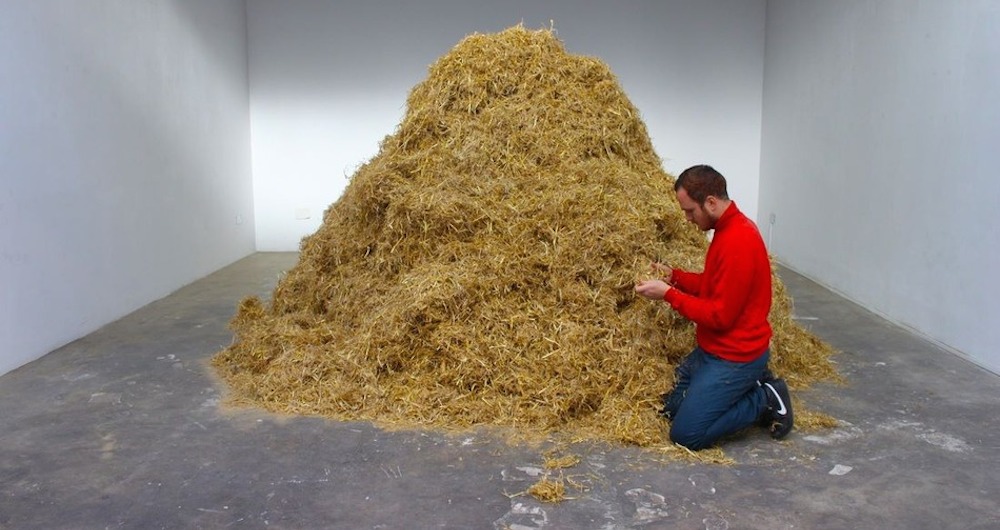
Needle in a haystack?

Store identifying metadata

All in one?
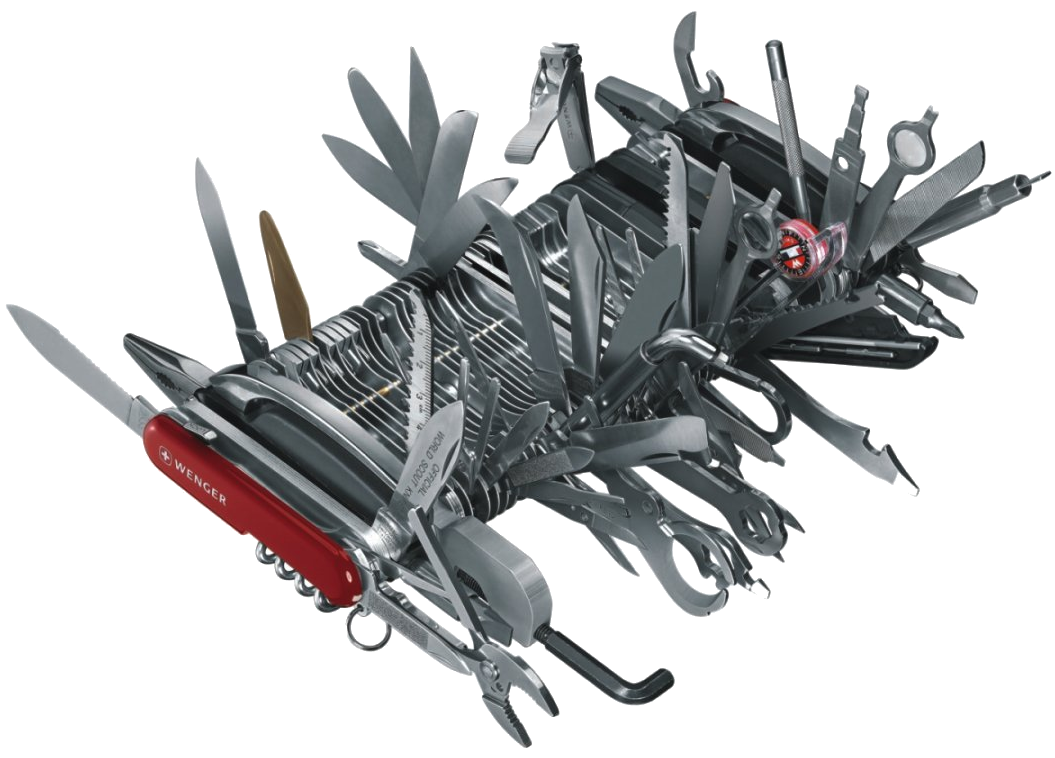
“All” can sometimes be too much…

Failsafe mechanisms

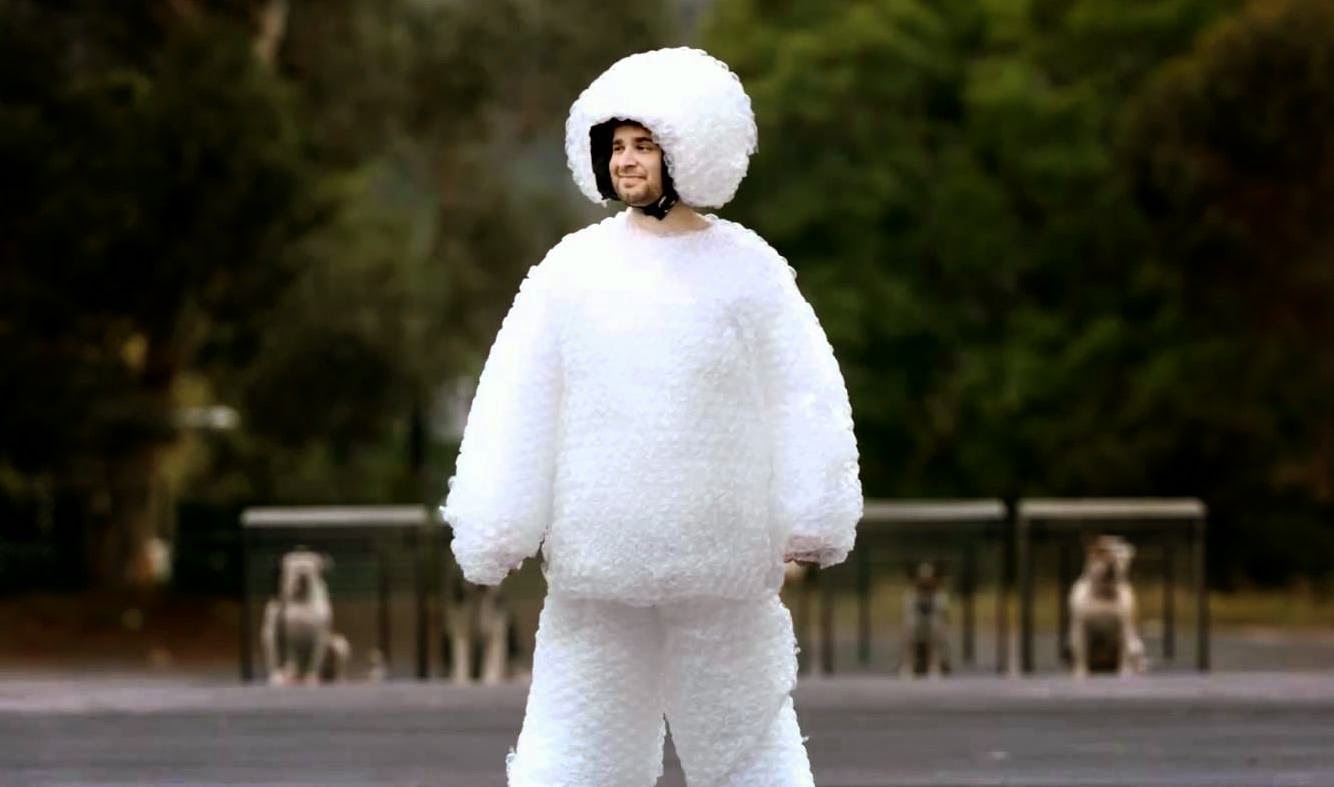
Just to be sure.
Just to be sure.

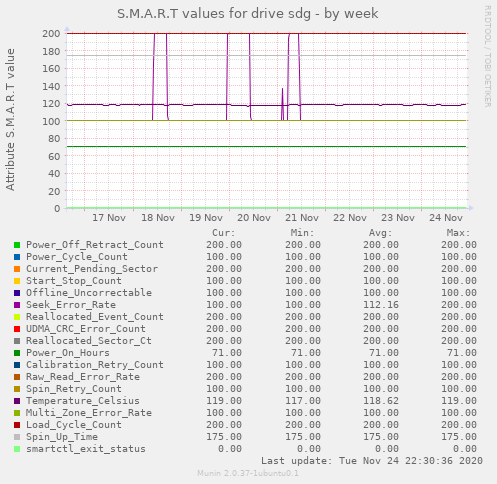
S.M.A.R.T.

Self-Monitoring, Analysis and Reporting Technology

“[…] is a monitoring system included in computer hard disk drives (HDDs), solid-state drives (SSDs),[1] and eMMC drives. Its primary function is to detect and report various indicators of drive reliability with the intent of anticipating imminent hardware failures.”

Source: Wikipedia: S.M.A.R.T.

S.M.A.R.T. Graph

SMART graph for a single drive

RAID

Redundant Array of Inexpensive Disks
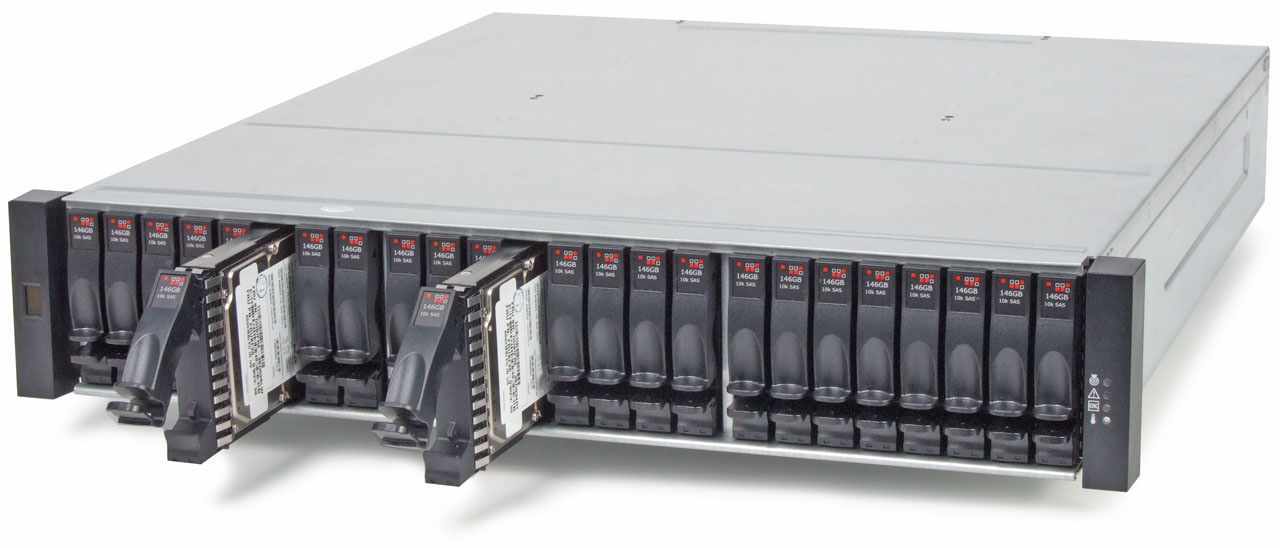
Example of a disk chassis

“[…] is a data storage virtualization technology that combines multiple physical disk drive components into one or more logical units for the purposes of data redundancy, performance improvement, or both.”

Source: Wikipedia: RAID
RAID

  • Different RAID levels:
    • Stripe = Fast, but dangerous!
    • Mirror = Perfect for OS system disks
    • RAID5/6 = 1 or 2 disks fault tolerance (parity bits)
  • RAID is not a backup.

Hard- vs Software RAID?

  • Hardware:
    • “easier” to setup and swap disks.
    • Risk of vendor lock-in.
    • Caution: Mainboard controllers are often “Pseudo-RAID”
  • Software:
    • More complex to set up and swap disks.
    • Linux kernel softraid: Very portable!
    • Speed concerns with modern hardware possibly neglectible.

Sad, but true:

  • With > 4TB disks, RAID-6 may be insufficient…
  • Long rebuild times may “burn out” the left-over disks.
  • ZFS supports 3 disks parity, but … future?

Cluster & replication

  • Multiple copies on multiple servers
    (“cluster nodes”)
  • Synchronized (replicated) automatically
  • Off-site replication possible
  • Replication is not a backup!
  • What if a node goes down?
  • How does “the cloud” do it?

Storage Debate!

Inside = The same stuff

  • Combining a mix of most (if not all) the above mentioned technologies.
  • Mostly unix-like operating systems (e.g. Linux).
  • And lots of carriers.
  • maintaining it = other people’s problems.
So what if cluster nodes fail?

  • Another node takes over.
  • Seamlessly. Transparently.
  • The faulty node is removed & replaced.
  • Life continues.

Erasure Coding

“protects data from multiple drives failure, unlike RAID or replication. For example, RAID6 can protect against two drive failure whereas in MinIO erasure code you can lose as many as half of drives and still the data remains safe.”

Source: MinIO Erasure Code Quickstart Guide

“Compared to data replication, erasure-coding approaches have better performance at reducing storage redundancy and data recovery bandwidth.”

Source: Reliability Assurance of Big Data in the Cloud (2015)

Erasure Coding

  • More parity possible than RAID
  • Data can be spread across network cluster nodes.
  • Does not suffer from rebuild “burn out”.
  • More complex to set up & compute.
  • Not that widely known/supported/used yet.

Object storage

  • Files become “objects”.
  • There are no folders (as we’re used to)
  • There’s just an identifier.
  • Arbitrary metadata may be assigned to each “object”.
  • Scales infinitely (theoretically).
  • Clusters of block storages with a clever abstraction layer.

Object storage

Beyond classical, hierarchical filesystems
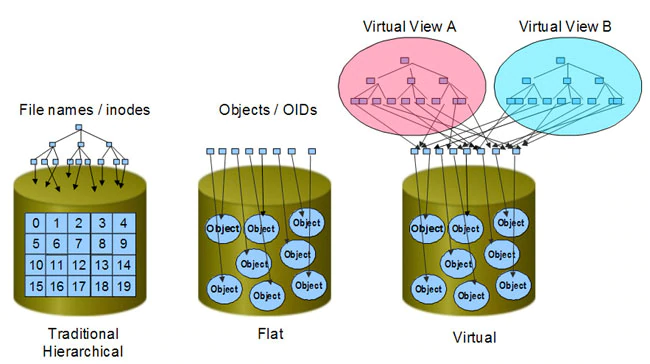
Object storage = The future?

Object based storage may very likely replace hierarchical filesystems, but things need to be rewritten/adapted to properly support it.

It’s not yet plug-compatible with existing programs.

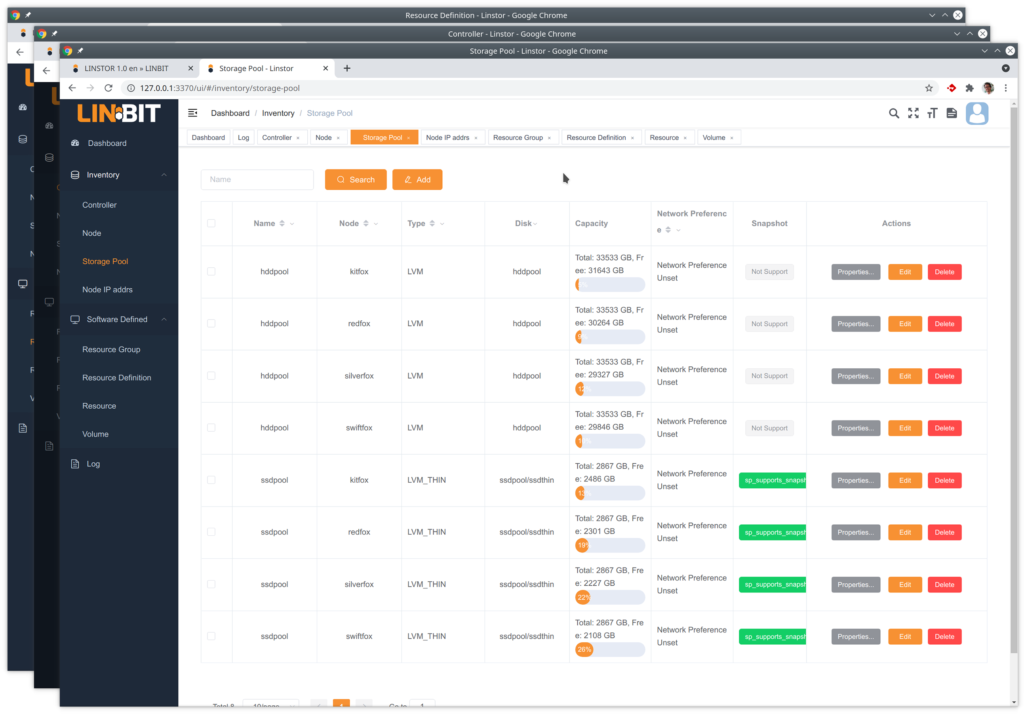
Software Defined Storage (SDS)

Example screenshot (Linbit SDS)

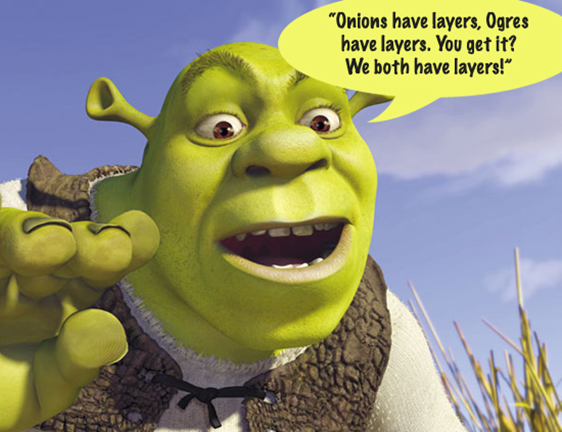
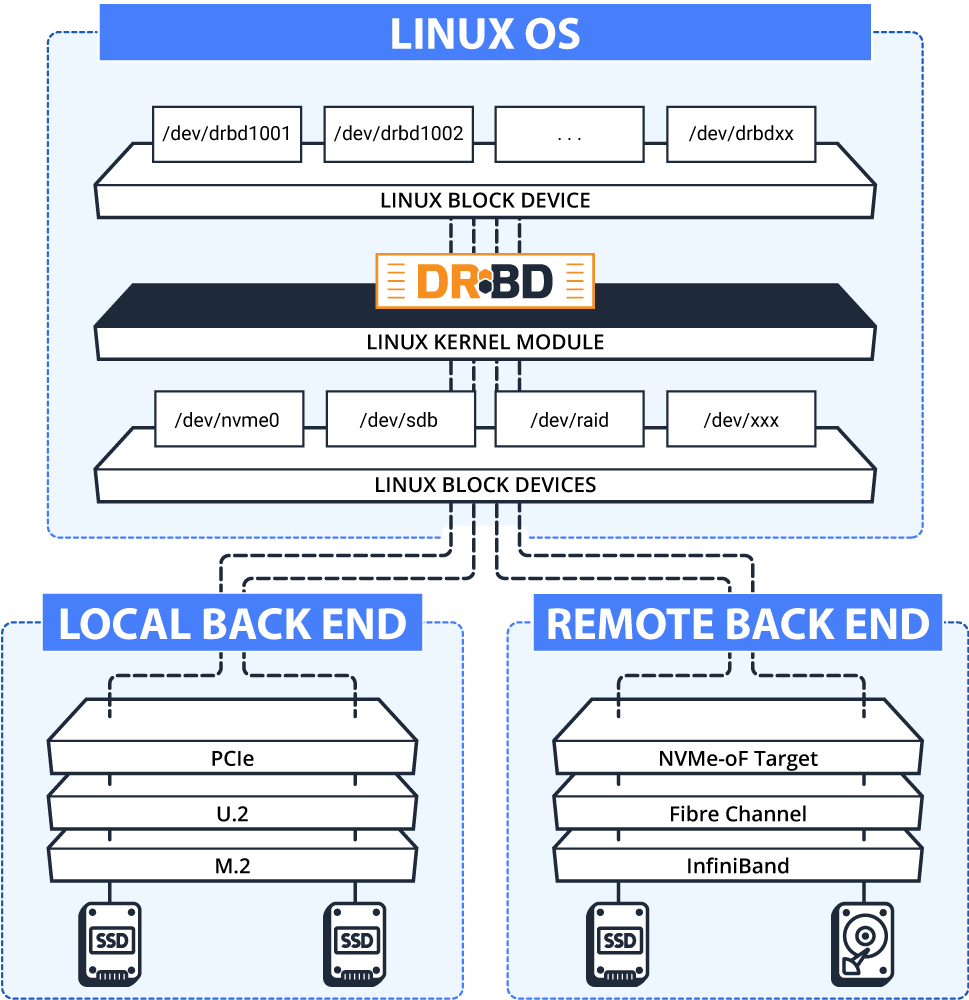
Again: Onions, eh Layers.

Example of abstraction layers

The Cloud

  • No internet = no service.
  • Make sure your online bandwidth is sufficient.
  • Have an exit plan (+contract?) for migration.
  • What if their conditions change?
  • Where is your data actually stored?
  • Does it matter for you? (e.g. legally)
  • Again: Consider mixing.

Does it scale?

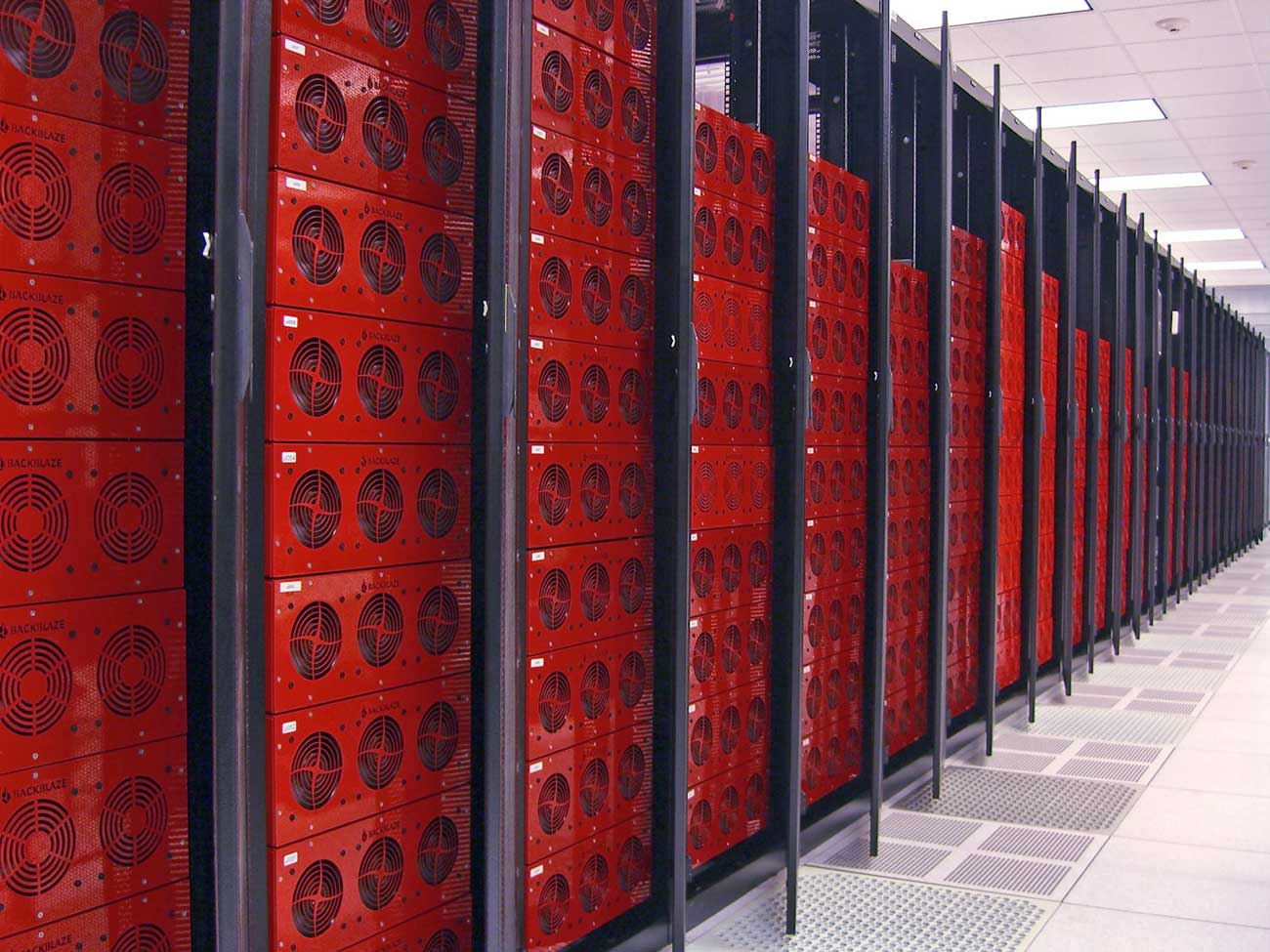
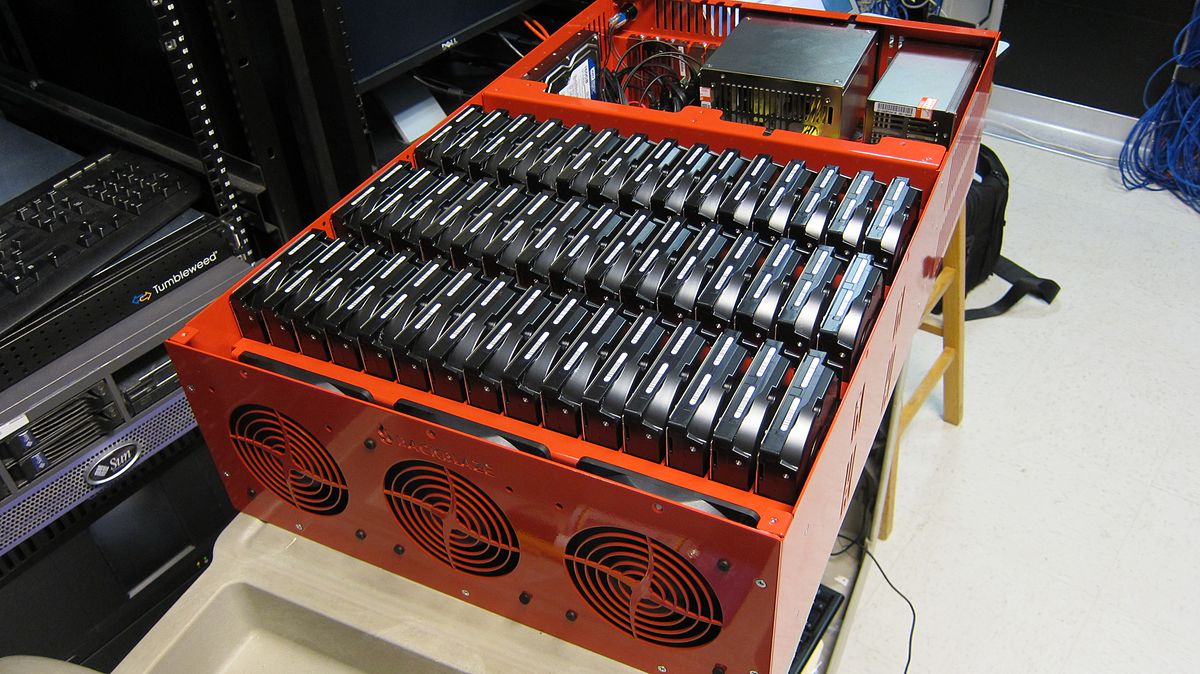
Backblaze data center

Does it scale?

  • What if you run out of diskspace?
  • Need to copy/move everything?
  • Or can you simply add “more space”?
  • What about your file/folder positions?
  • How to know if everything is still “there” and intact?

Data Integrity?

Fixity information & Hashcodes :)

Hashcodes: fixed size number that’s like a fingerprint for data.

  • CRC =
    4294967295
  • MD5 =
    d41d8cd98f00b204e9800998ecf8427e
  • SHA256 =
    e3b0c44298fc1c149afbf4c8996fb92427ae41e4649b934ca495991b7852b855
  • xxHash =
    e4c191d091bd8853

Do it early, do it continuously.

  • Create hashcodes early in the lifecycle.
  • Use them when transferring files.
  • Storage: Ongoing integrity checks matter.
  • Consider runtimes & interference with daily work.

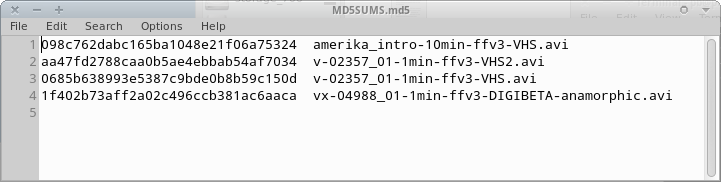
Hashcode manifest

Example for an MD5 file manifest

As simple as that. Plain text.

Using (=validating) hashcodes
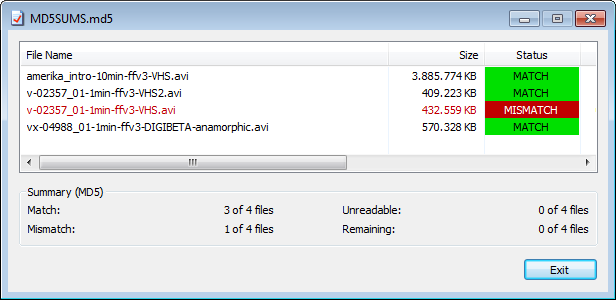
HashCheck: GUI tool showing data validation

Some tools

Our storage has integrity checks built in!

  • Good! 🥳
  • But it can only do so as soon as data has arrived.
  • Did you verify that the data got there intact? 🧐

Exercise

Backups

The 3-2-1 Backup Rule

  • Keep at least three copies of your data.
  • Store two backup copies on different devices or storage media.
  • Keep at least one backup copy offsite.

Backup integrity?

  • btw: Is your backup copy (still) intact…?
  • Did you check? ;)
  • Tape: Backup drives on shelf vs robot?
  • Handout: Backup checklist

Storage: Summary

  • Filenames matter.
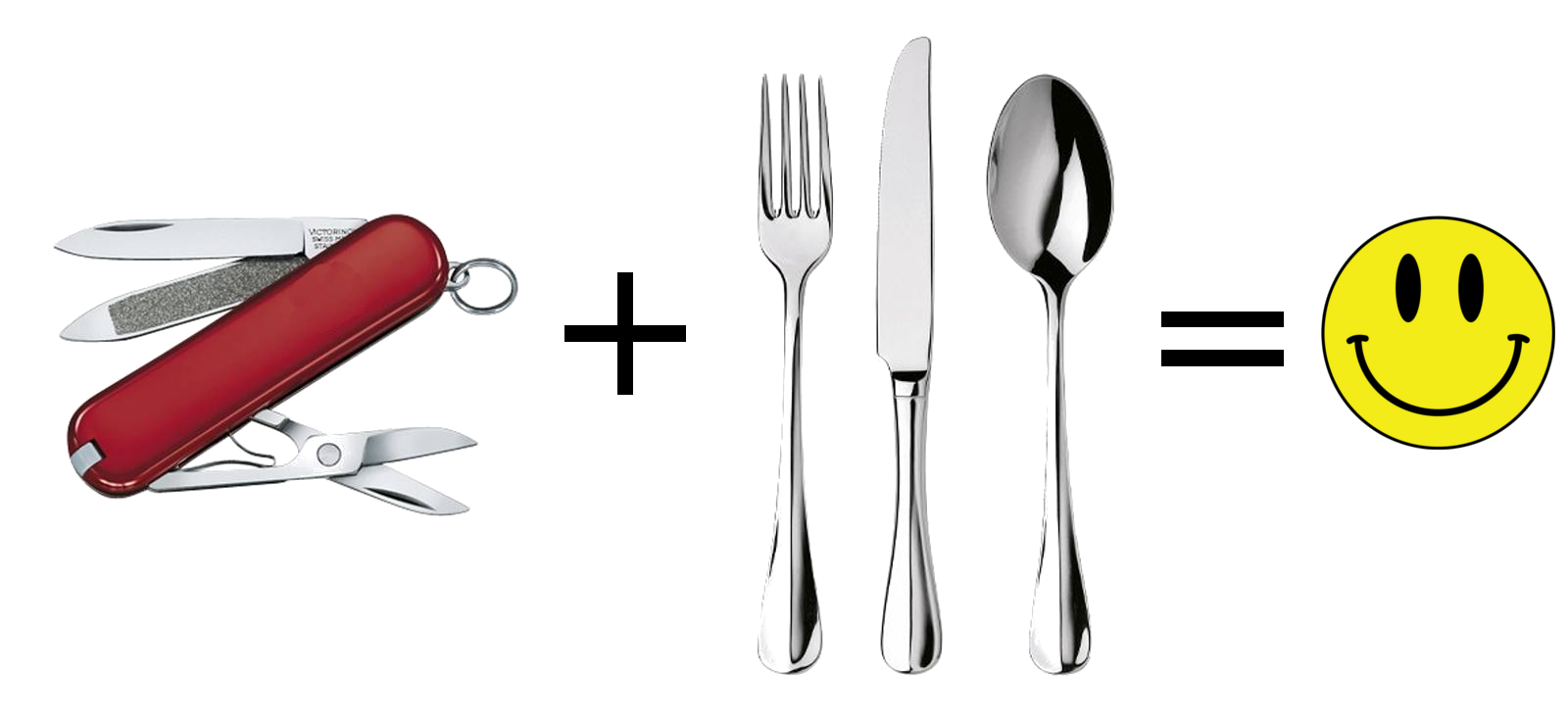
  • There’s more than just one right solution…
  • Mixing is usually a good idea.
  • RAID6 might be at its limits :(
  • Consider LTFS and LTO generations
  • Embrace hashcodes!
  • Avoid black boxes.
  • Have a backup (plan)

- fin -

Questions? Comments?

Peter Bubestinger-Steindl

PB @ AV-RD.com

Storage Terms Collection

  • S.M.A.R.T. Self-Monitoring, Analysis and Reporting Technology
  • NAS Network Attached Storage
  • SAN Storage Area Network
  • RAID Redundant Array of Inexpensive Disks
  • Object Storage
  • JBOD Just a Bunch Of Disks
  • SDS Software Defined Storage