Digital Preservation
(p.bubestinger@av-rd.com)2021-09
Hello! :)
DLTP?

“Just store them damn files. Done. Next. Why all that fuzz? Pfff. Nerds.”
What would you like to know/discuss?
Things to think about
- There is no evergreen format.
- There is no one-size-fits-all.
- Don’t panic. Don’t slack.
- Less is more, but too little is no good.
- Format obsolescence/support is a decision.
- Convenience is a powerful drug.
- We have no perception senses for digital.
- Everything must sooner or later be migrated.
- Exchange and share with others.
Know your…
- users
- staff
- strength / limits
- wishes and priorities
- what to hold on to - and when to let go
- policies ;)
And don’t let “Perfect be the enemy of good”.
Good questions?
- What you are collecting (and what not)?
- Why you are doing that?
- Whom are you serving?
- Which level of “long term” do you aim at?
- Got enough/right resources?
Helps to decide & move
“Erstens lernt man seine Nutzergruppen kennen und kann seine Arbeit priorisieren. Beides erleichtert die Zielgruppenanalyse, d.h. die stetige Überprüfung, ob man als Einrichtung auf die Anforderungen seiner Nutzer eingestellt ist und ggf. Korrekturen vornehmen sollte.”
Source: Nestor mat19, p.106
Data Integrity?
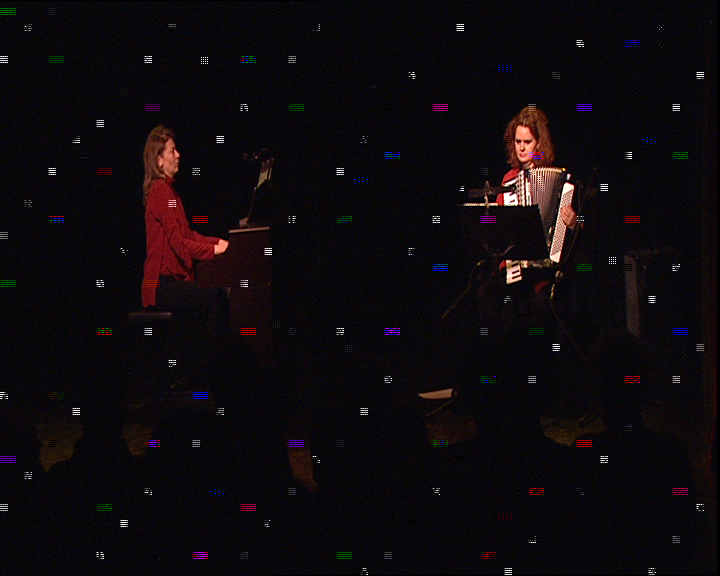
Digibeta Dropouts
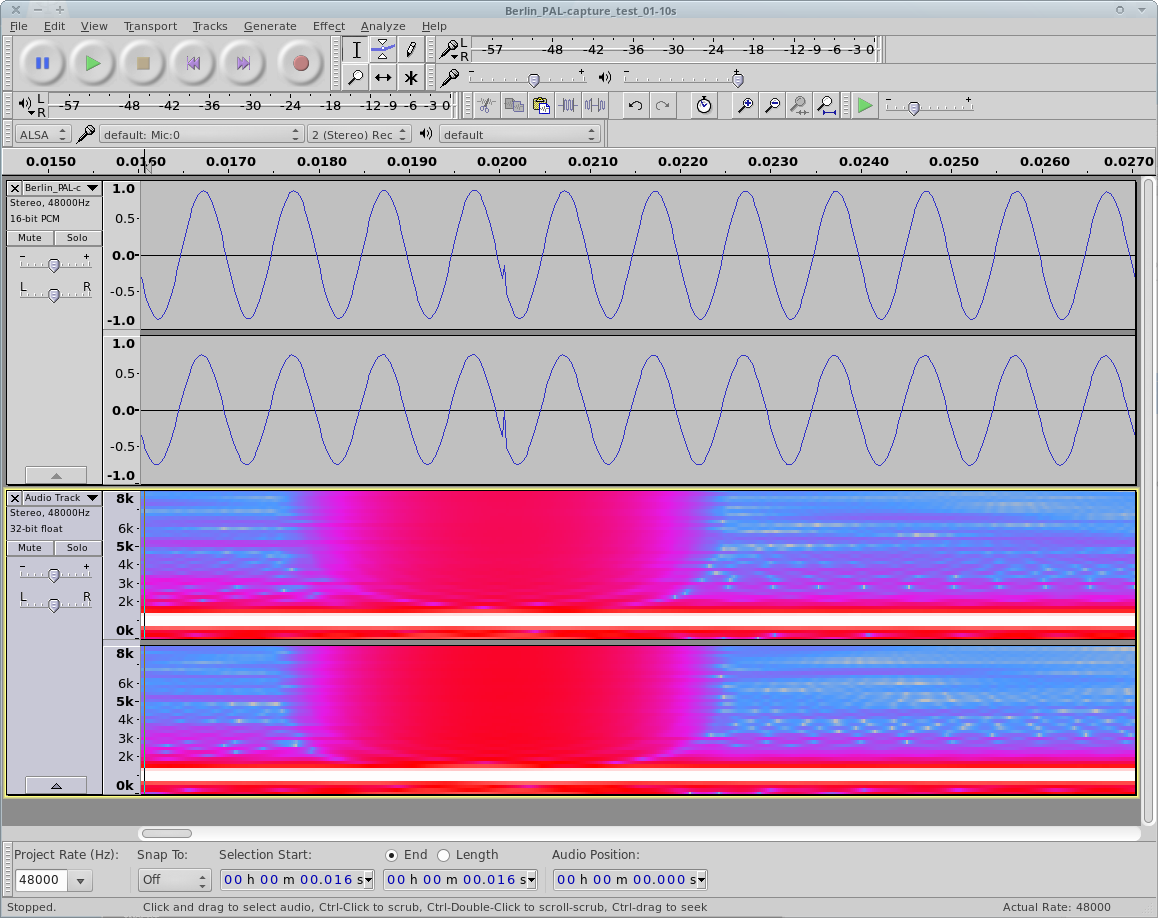
Audio Bit-Errors
Small Bit, Big Problem
JPEG header “signature” = FF D8 FF DB
- 0xFF = 0b11111111
- 0xBF = 0b10111111
What is “Fixity” information?
- Metadata you can use to know if your bits are unchanged.
- Stored in so called “manifests”.

Hashcodes
raw.txt
“This is a raw text file.”
MD5 = b3a243d2443037a783c8799fe2c4926a
Hashcodes
raw.txt
“This is a raw text file.⎕”
MD5 = 7096384353da7d8cb59b1395e63d1250
Hashcodes
raw.txt
“this is a raw text file.”
MD5 = a94a15d1b72bbfee7997bf237cf0347e
Hashcodes
raw-text.txt
“this is a raw text file.”
MD5 = a94a15d1b72bbfee7997bf237cf0347e
Different algorithms
- CRC
- MD5
- SHA .. 1 .. 2 .. 256 .. SHA512?
- WTF?
Hashcode Examples
- CRC =
4294967295 - MD5 =
d41d8cd98f00b204e9800998ecf8427e - SHA256 =
e3b0c44298fc1c149afbf4c8996fb92427ae41e4649b934ca495991b7852b855 - xxHash =
e4c191d091bd8853
When?
- Creating?
- Generate fixity information as early as possible in a file’s lifecycle.
- Exchanging?
- Use fixity information to safely transfer any data safely.
- Checking?
- Find sweet spot for continuous checks.
Tools
- HashCheck Shell extension: code.kliu.org/hashcheck (Windows)
- md5sum (cross-platform, CLI)
- LoC “BagIt” bags (manifest specification)
- Bagger, et al (cross-platform, GUI)
- AVPreserve “Fixity” (cross-platform, GUI)
- hashdeep (cross-platform, CLI)
File naming & structure
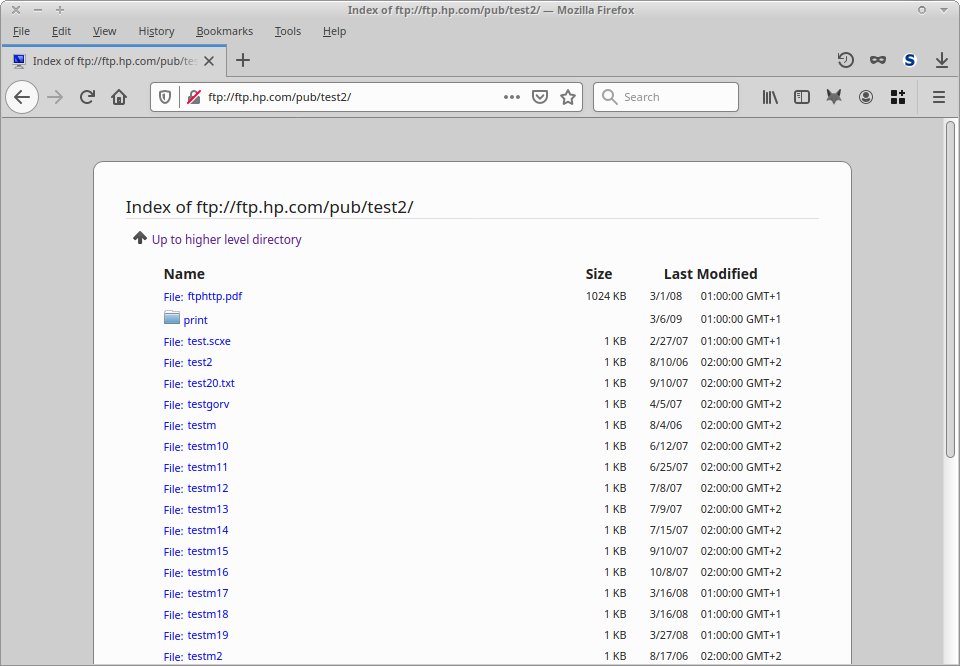
Make choices.
Establish file and folder naming conventions, identifiers, and storage locations which works/scales for your collection size/needs.
- Larger systems: You have to let go.
- The thing with “tricky” characters…
Tricky characters
What to look out for (=avoid) when naming files?
- non-alphanumeric / non-ASCII
- Spaces!
- < > " / \ ? % : | * :
- (total) string length
Why?
“Stabilizing” Filenames
A filename is not a catalogue. Replacing (or removing) potentially “problematic” characters from file- and foldernames makes sense.
…but document it!
Personal/small collections?
- Sortable timestamp
20190618_103918-short_description.jpg (so alphabetical = chronological) - Consistent naming per folder? IMG_0801.JPG, SL740465.jpg, DSCN7717.JPG, …
- Folders = groups, collections
- Hierarchical folders:
2021/09-Event/person_A
(=YYYY / MM-event / record_source)
Medium/large collections?
You’ll have to let go. At least somewhat.
- Not really human readable
(UUID = 6b172fc3-3675-450e-b698-d5dbd47e23fa) - Structure, name, location defined by algorithms
- Reference in database
Without that DB, you’re lost. Backup!
Born digital vs Digitized
- Workflow differences?
- Format normalization?
- In the end they’re all files.
Digital: Film vs video
- Resolution?
- Framerate?
- Color information?
- Interlaced vs progressive?
- Size?
- Different tools and data formats?
- 2k (2048 x 1080) vs Full HD (1920 x 1080)?
It’s difficult, but it’s easy.
Somewhat. ;)
Digital Video
- 1 GBE Network
- 50/100 Mbps I/O throughput (broadcast quality)
- 650 MB/s lossless (SD)
- IMX/PCM/MXF, FFV1/PCM/MKV
- Insane variations of formats
- preservation/[mezzanine]/access copy
- 4k too now :(
Digital Film
- 10 GBE Network
- Up to 3.82 Gbps (4k, 12bpc RGB, 24fps)
- High data throughput demand
- Folder-handling: Image sequence + audio + sidecar
- Limited, but island-supported variations of formats
- Multiple copies: overscan, color-graded, etc.
Digital: Film vs video
Film:
- Images + Audio + folders = preserves well.
- but handles harder.
- Professional bubble = less crazy variations.
Video:
- Format variations/dialects should be streamlined.
- AV streams may be full of surprises ;)
- Broader user base = crazy variations!
Common:
- Validate technical properties (e.g. MediaConch)
- Deal with large number of files.
- Add/use fixity information.
- Use open formats.
- ffmpeg (conversion/access)
Metadata

Metadata
- Lack of.
- Too much. (Example: onion-layered standards overkill)
- Plain wrong (because noone checked)
- Use standards. (if reasonable/possible)
Metadata formats
TXT vs XML vs PDF vs DOC(x)?
- As plain text as possible.
- Machine readable/parseable. Structured.
- DOC(x) and PDF don’t parse well.
- As simple as possible, as complicated as necesary.
Storage
- “Just storing files” is not preservation.
- Storage market focus may deviate from your use case.
- There’s more than just one right solution…
- Mixing is usually a good idea.
Storage debate
- The Cloud?
- In-house?
- Outsourced?
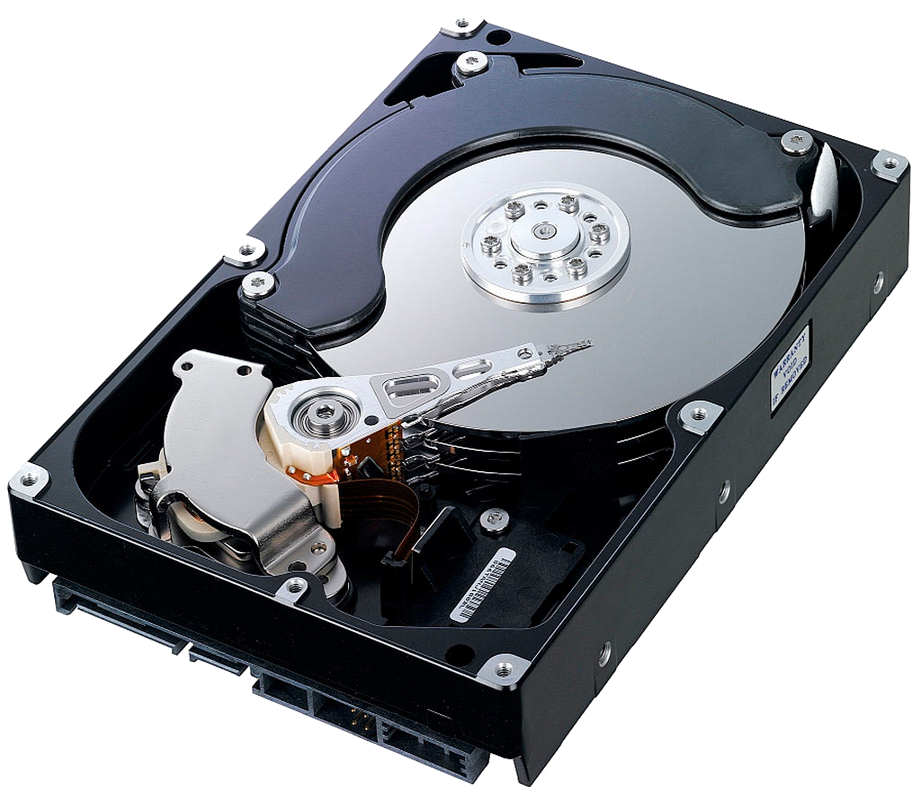
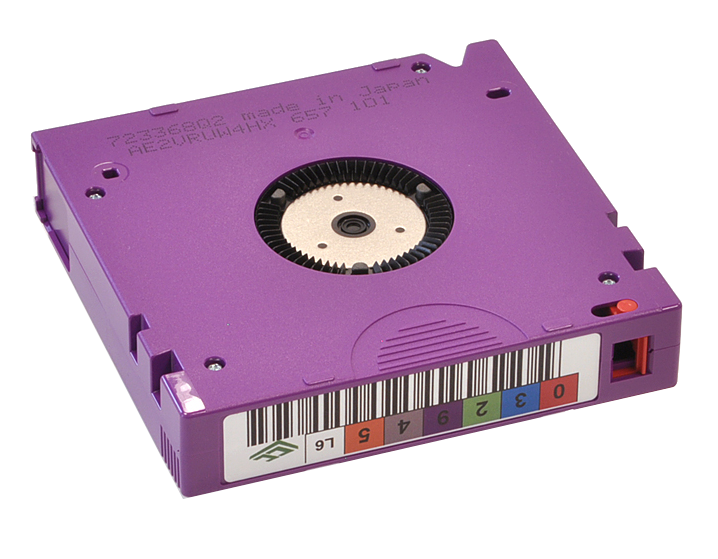
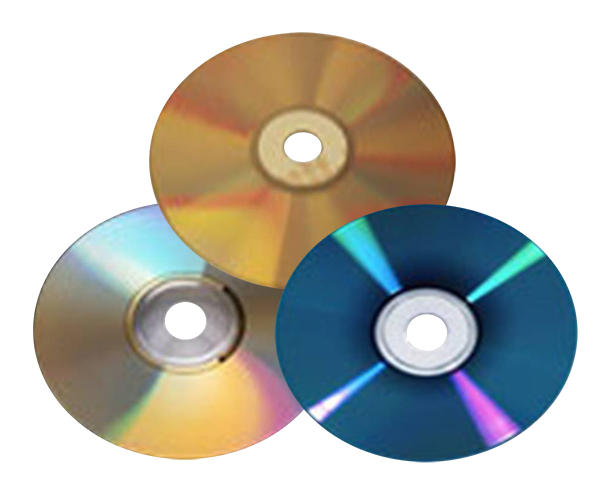
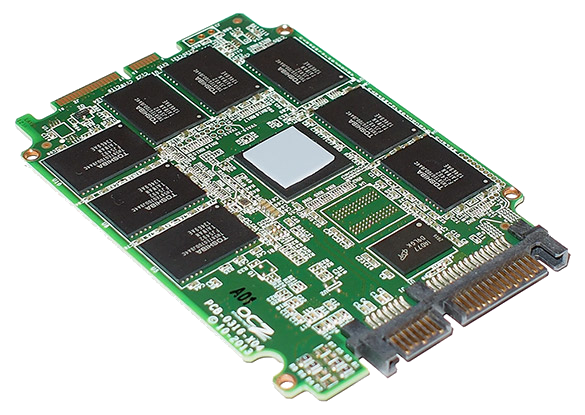
Media Types: Overview
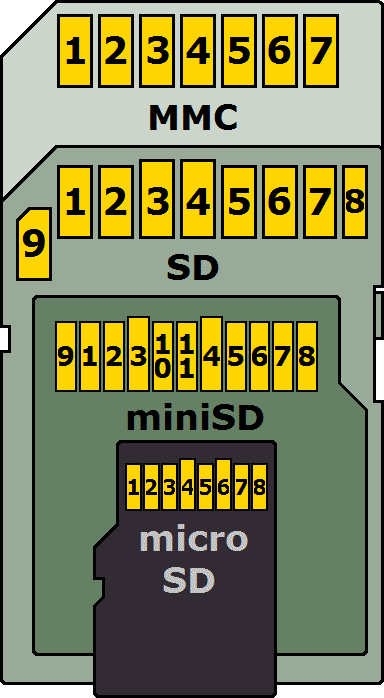
The File System?
- Raw storage = unstructured chain of bits
- File system (FS) = file/folder structure
- Different FS = different data formats:
- FAT{16,32} (Microsoft)
- NTFS (Microsoft)
- EXT{2,3,4} (Linux *)
- ZFS (Sun *)
- HFS+ (Apple)
- LTFS (IBM *)
(*) Open formats
LTFS: Linear Tape File System
- Open specification = vendor neutral
- Better for preservation, but may not support “convenience” features.
- All implementations must:
- Correctly read media that was compliant with any prior version.
- Write media that is compliant with the version they claim compliance with.
Decisions & planning
- Multi-tier strategy:
online, nearline, offline
fast=expensive, slow=cheaper - Size demands:
Calculate filesize and expected quantity. - Does it scale?
How well/easily/affordable? - Consider all layers:
distributed, filesystem, drive, physical carrier
Storage checklist
- What’s the desired level of long-term?
- Which carrier type(s) are you storing on?
- Which use cases does it need to address?
- Which functions are in place?
(access control, monitoring, integrity checks, etc) - Which automated actions are in place/desired?
- How can it be scaled if you run out of space?
Errors? Backup!
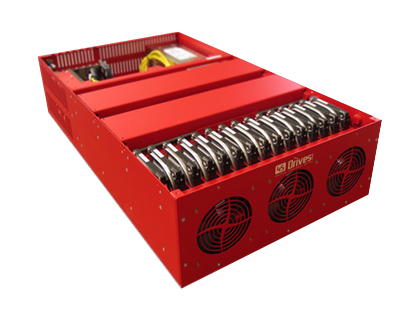
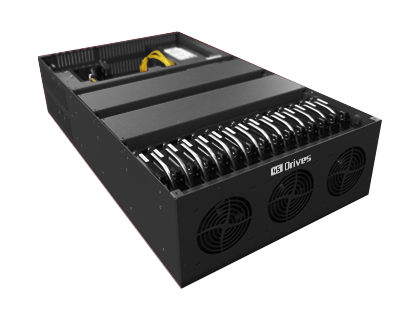
The 3-2-1 Backup Rule
- Keep at least three copies of your data.
- Store two backup copies on different devices or storage media.
- Keep at least one backup copy offsite.
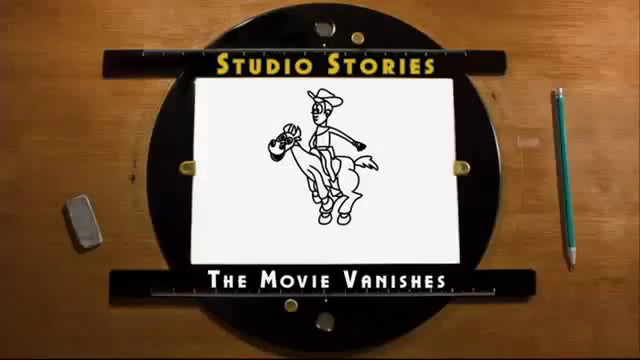
The Story of ToyStory2
Backup checklist
- How is the backup/restore done?
- Who takes care of the backup?
- Who can do a restore?
- Is the restore being tested before needed?
- When/why is a backup restored?
- How can integrity of backup be verified?
- How long is the expected “restore downtime”?
Migration
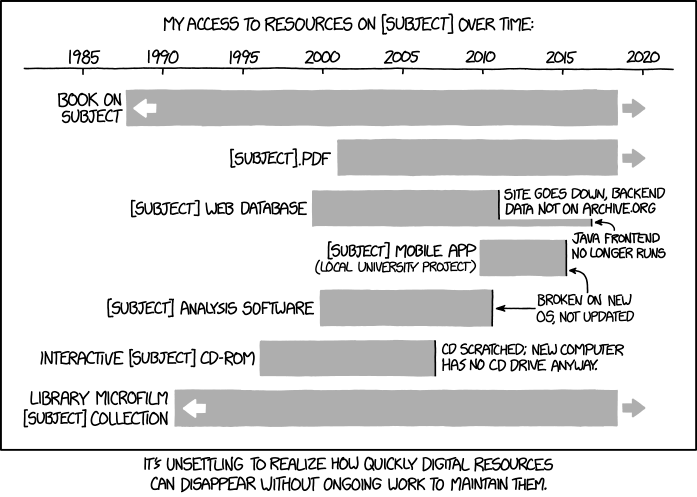
How long is “long term”?
Eternal Migration
- There is no final carrier.
- There is no evergreen format.
Therefore fact: Any data must sooner or later be migrated.
Oh, btw: this also applies to everything in your workflow/toolchains.
Migration
- Prefer modular (LEGO) over monolithic (Playmobil).
- Schedule it before it’s “necessary”.
- Consider impact on daily operations:
downtime, performance, staff, …
LTO Generations
- New: About every 2-3 years.
- Shelf vs robot
- Got drives?
- Got the right interfaces/cables?
- Got time?
Policies

Policies
First of all: Don’t be intimidated. If it feels too much, it’s already a good start to write it down for yourself.
Anything is better than nothing.
Digital Preservation Policy
“A guideline that describes the essential setting, principles, structures and objectives of a digital archive”
Technical Properties Policy
Define which technical properties you accept/support:
- Data Formats codecs, container, metadata, …
- Resolution:
image, fps, depth, samplerate, … - etc.
Written? Published?
- Writing it down:
- Highlights fuzzy assumptions
- and “unknown-unknowns”
- Publishing:
- Profit from insights into other’s decisions.
- Reference for argumenting (decisions, resource needs).
- Extra community-karma points!
- FIN -
Questions & Comments welcome! :)
Peter Bubestinger-Steindl
p.bubestinger@av-rd.com