Storage market focus may deviate from your use case
There's more than just one right solution...
Mixing is usually a good idea.
Physical Media Types
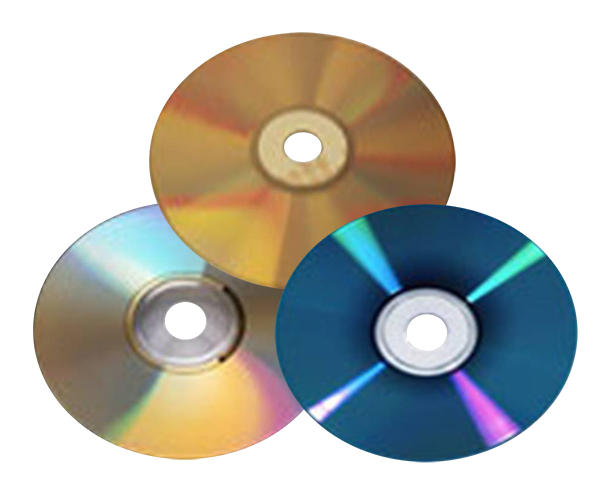
Optical Disks
Optical Disks
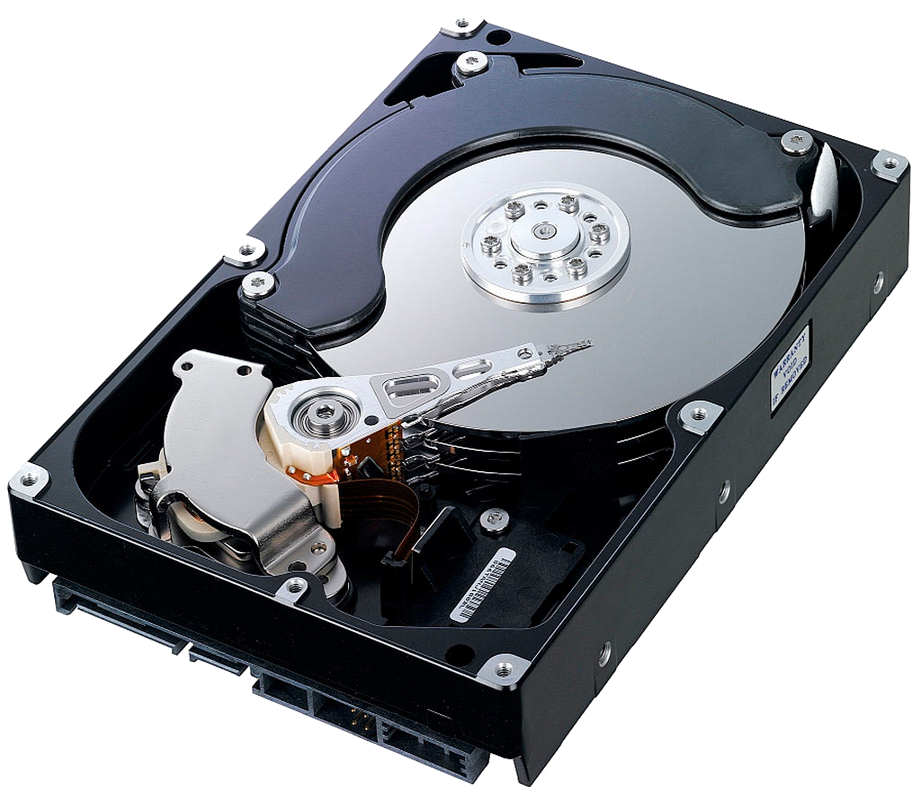
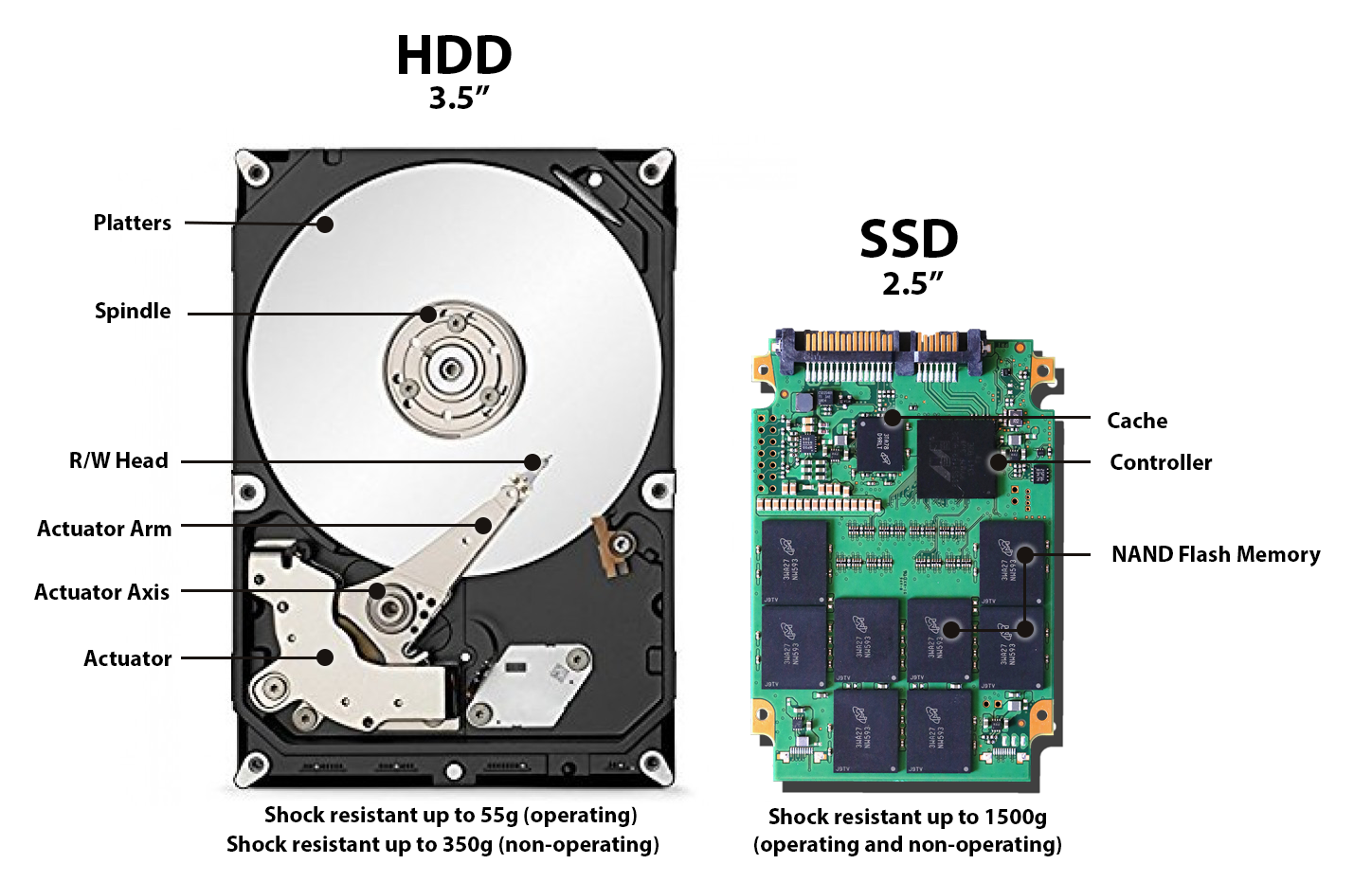
HDD: Hard Disk Drive
Classic "Spinning Platters" harddrive
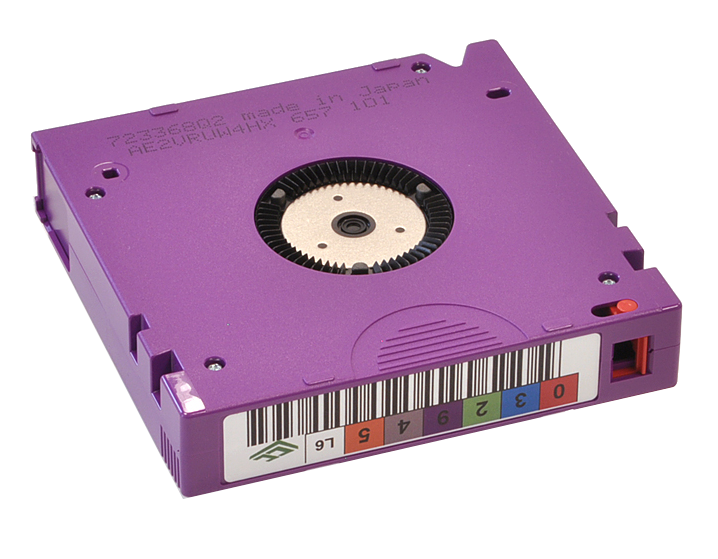
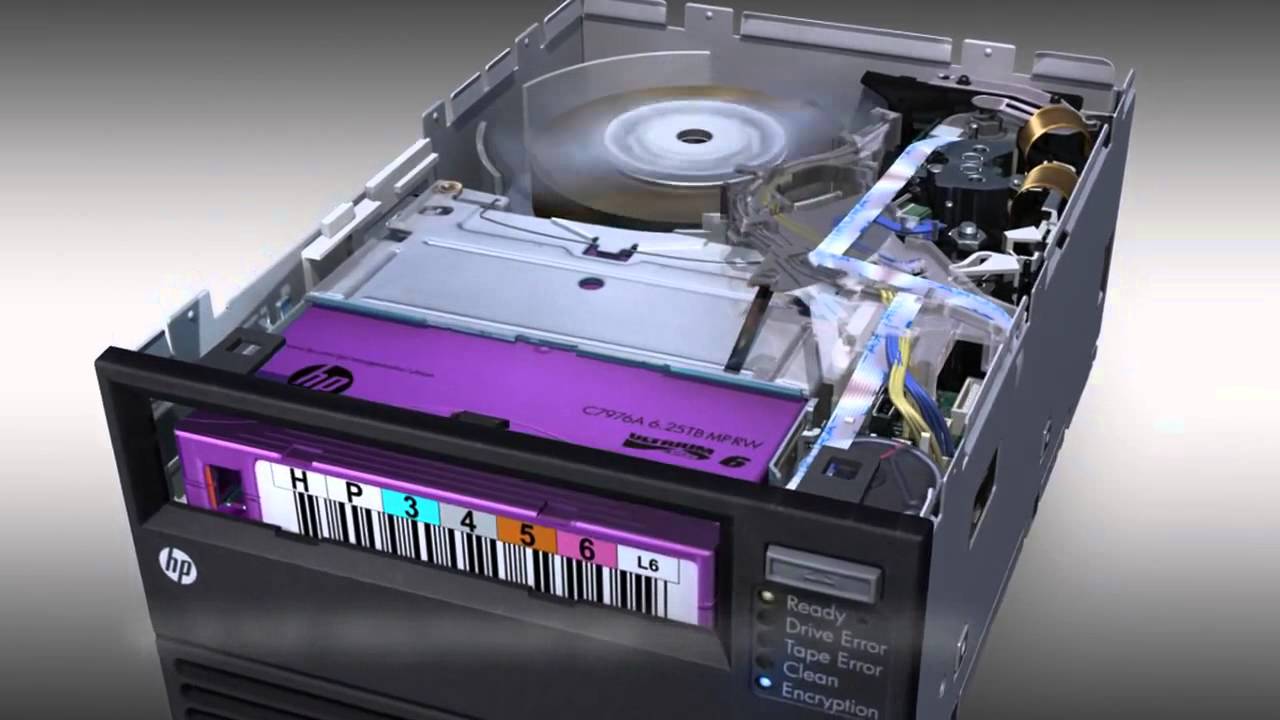
Data Tape
LTO: Linear Tape Open cartridge
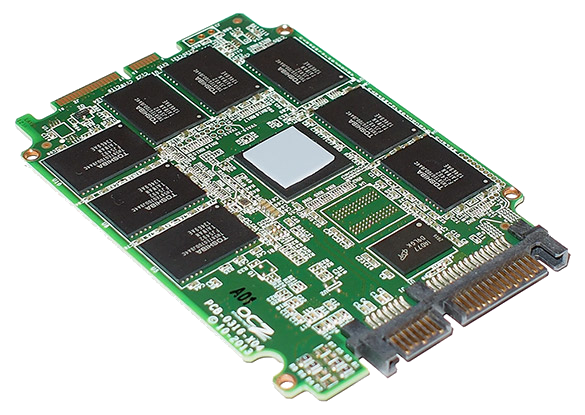
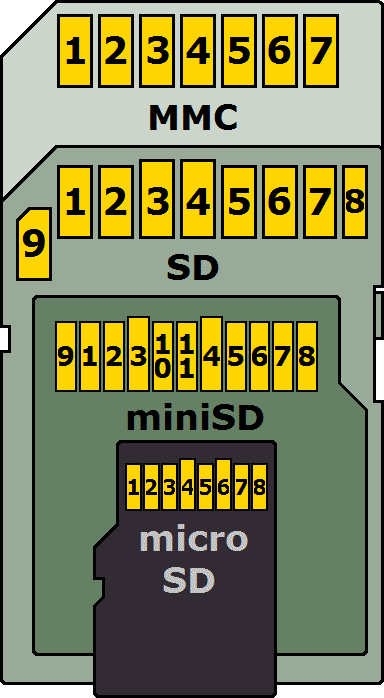
Flash Memory
Media Types: Overview
HDD vs SSD
Storage Types
External Hard Disks
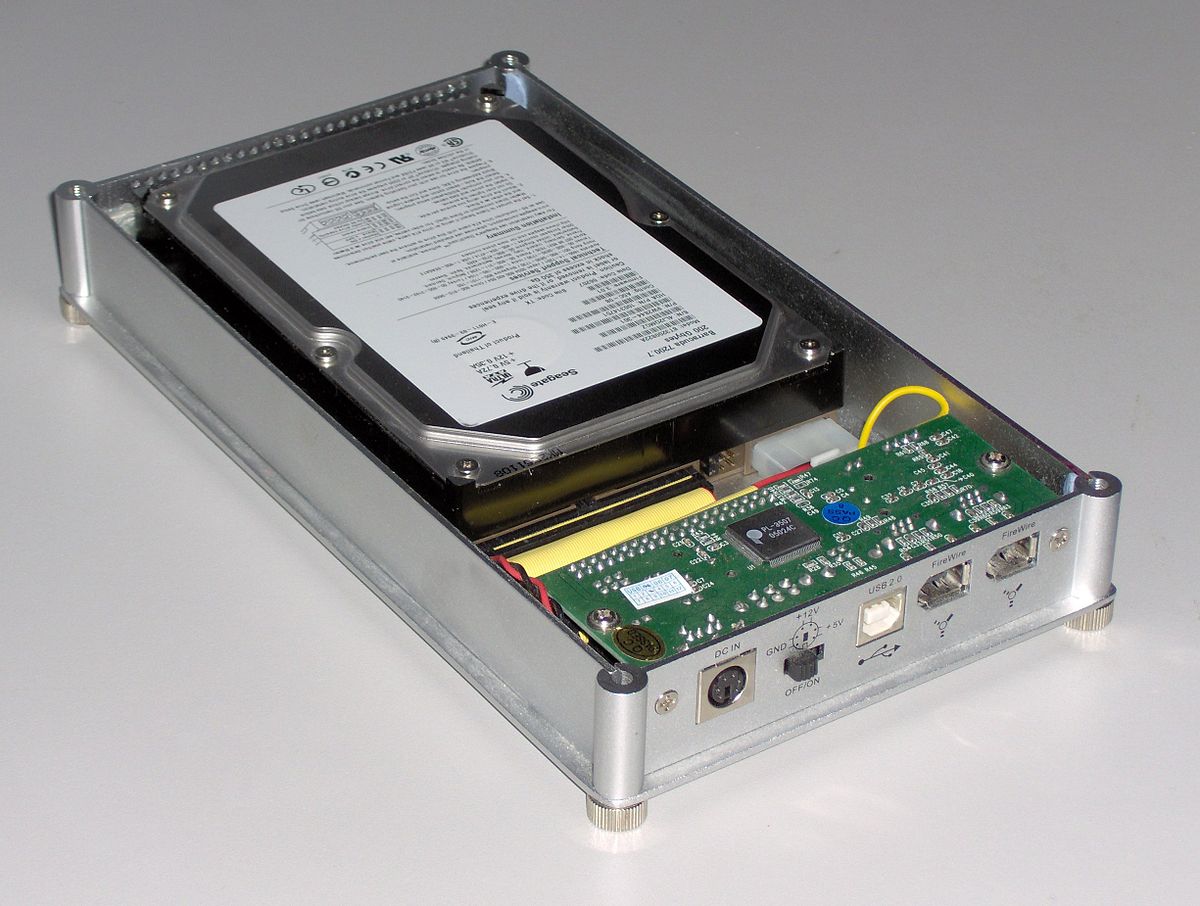
USB/firewire chassis + HDD
External Hard Disks
Ideal for:
* Collections ≤ [size of largest HDD] * Accessed by only 1 computer at a time * Moving data * Quick access
Advantages:
* Relatively low cost (100-300 EUR) * Portable
Disadvantages
* Risky: Drives may fail * Backup is manual and easily out of sync * Access is limited
Network Attached Storage (NAS)
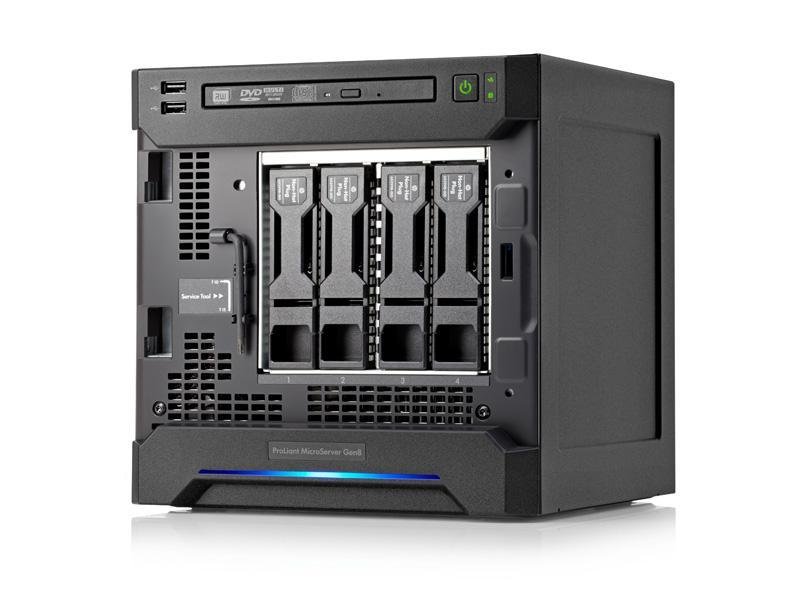
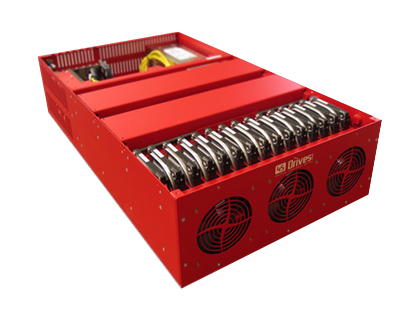
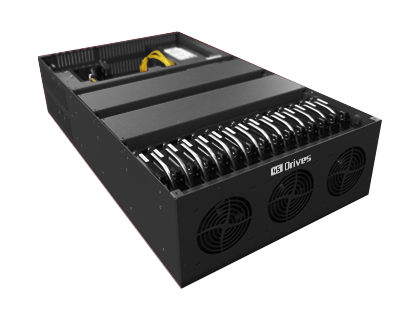
Microserver: Can function as NAS
Network Attached Storage (NAS)
Ideal for:
* Collection < ca. 40 TB (if standalone). * Larger is possible, if clustered. * Quick access (incl. multiple networked users) * Networks with ≤ 1 GbE for large files (10 GbE for film) * Organizations with some IT support
Advantages:
* Multiple users can access in parallel * Relatively affordable (200-1000+ EUR)
Disadvantages:
* Requires heating / cooling * Potentially less secure (always on) * Less portable * Requires IT skills for problem solving
Data Tape
Data Tape
Ideal for:
* Collections from 10 TB to x PB * Collections that don’t need to be accessed in seconds * Back up scenarios
* Offline or nearline * Management & migration can be challenging * Proprietary tape filesystems
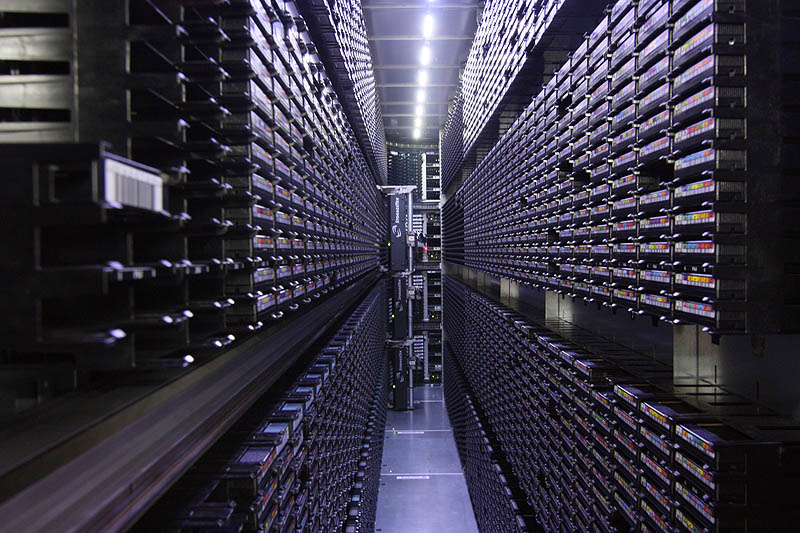
Data Tape Library (Robot)
The Cloud
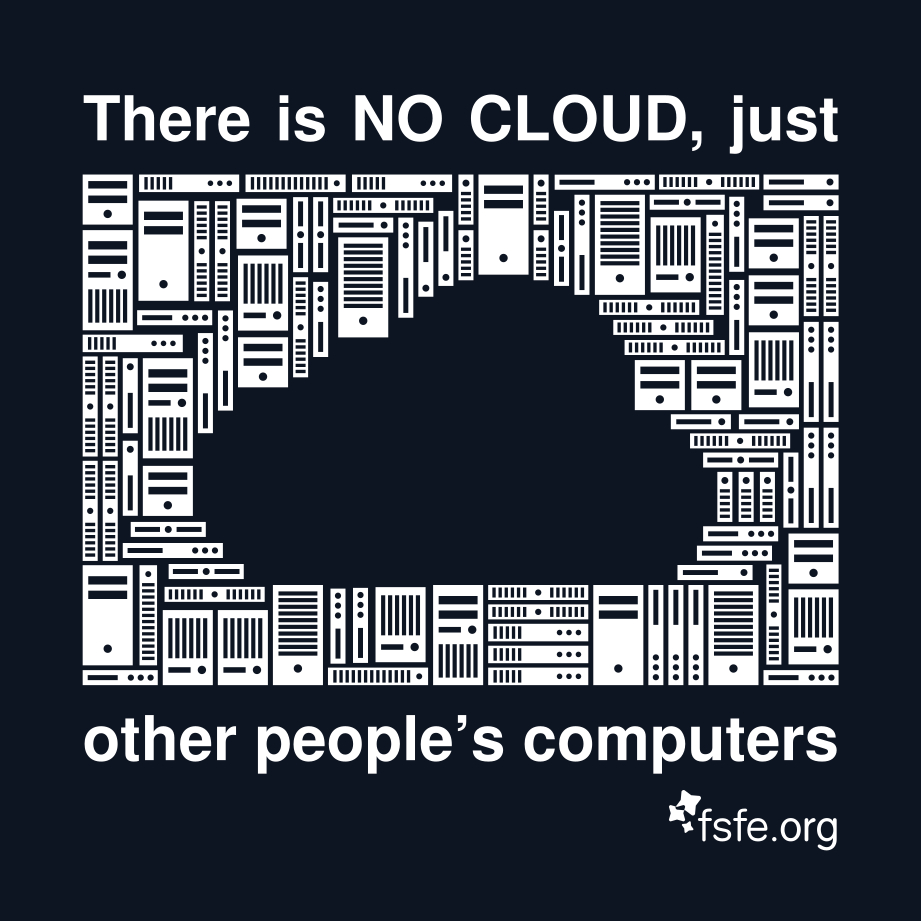
The Cloud
Ideal for:
* Collections from any size * Institutions with limited IT support * Collections that don’t need to be accessed immediately * Fast access to smaller resolution files (streaming)
Advantages:
* Only pay for what you use * Scalable * Reduces the day-to-day management needs * AV: Low-resolution access scenarios
Disadvantages:
* HTTP access can be very slow for large files * Requires careful planning to ensure the correct services are being purchased * Depends on Internet connection * Vendor migration/lock-in
Networks
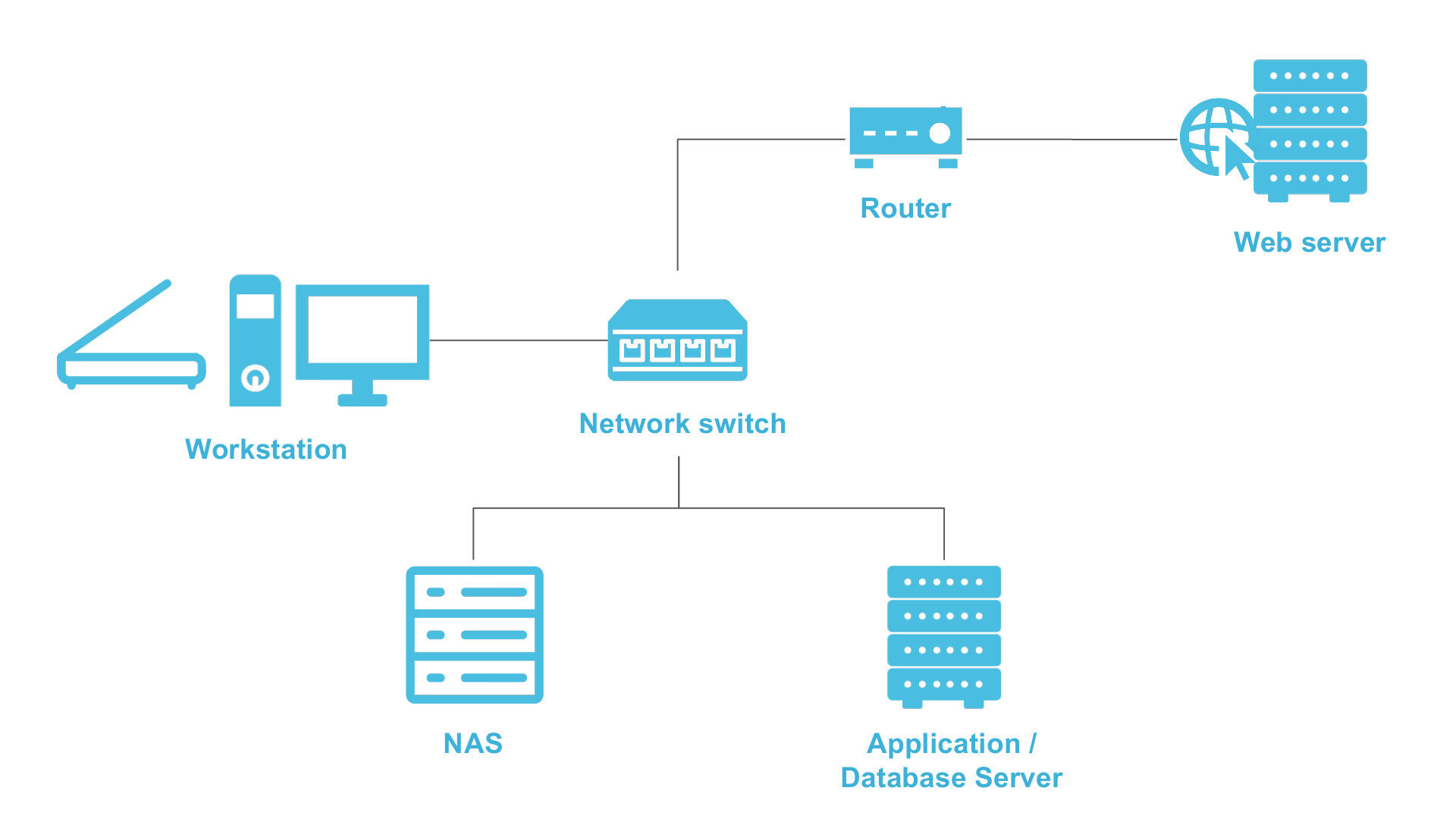
Network Basics
Consider: Layers!
Data storage has layers...
The File System
File- / foldernames, size, timestamp, access rights
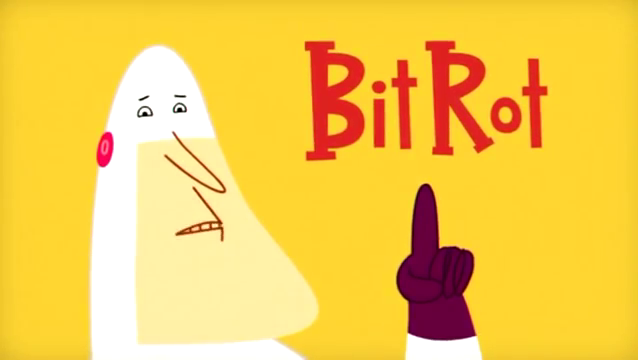
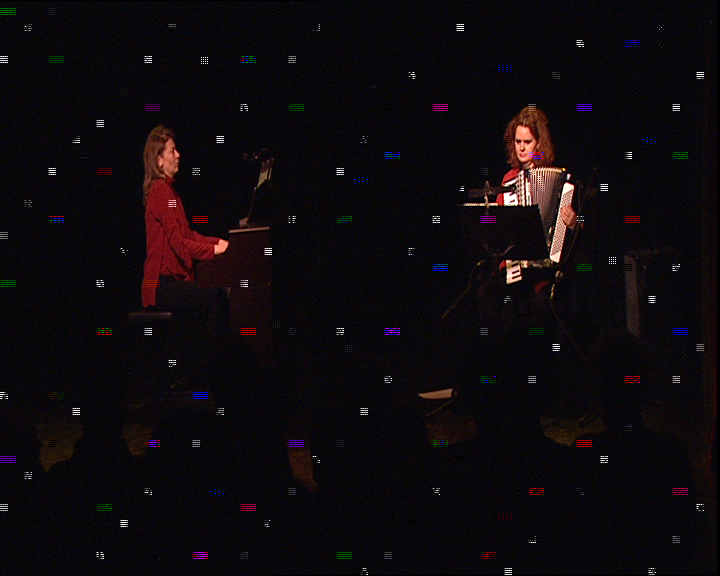
"Bit rot can be caused by a number of sources but the result is always the same – one or more bits in the file have changed, causing silent data corruption. The ‘silent’ part of the data corruption means that you don’t know it happened – all you know is that the data has changed (in essence it is now corrupt)." — Jeffrey B. Layton, Linux Magazine, June 2011
Data scrubbing, Fixity checking
How do you know your data is intact?
A check a day keeps the bitrot away...
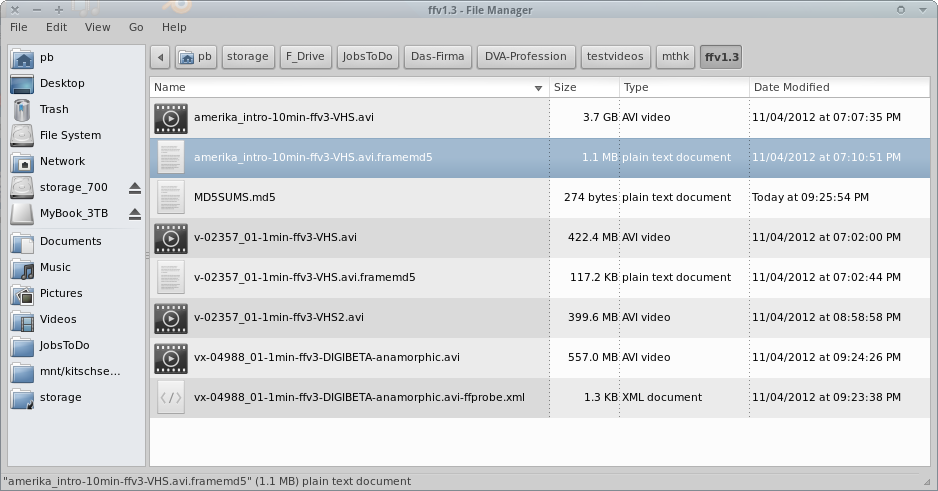
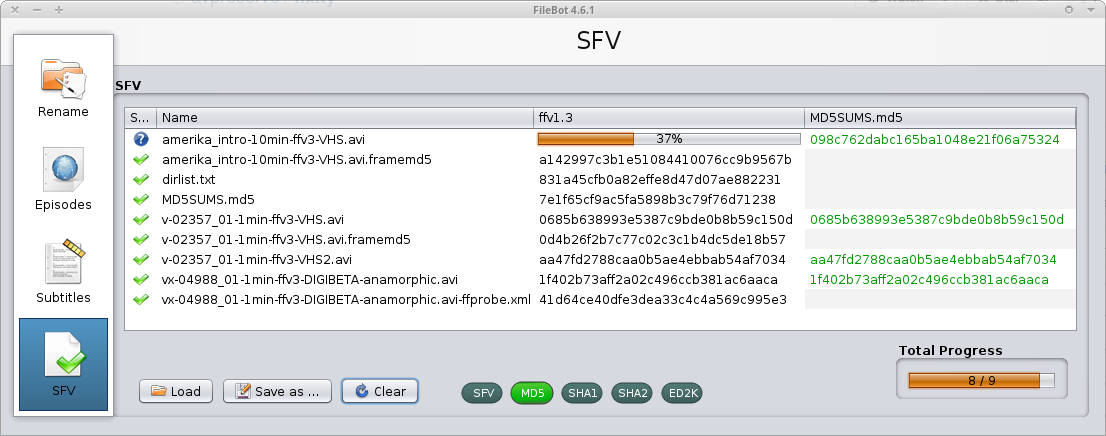
Example GUI for integrity validation
Headcount
Hashcode manifest files can also be used to check if all files expected are present or additional ones exist that are unaccounted for.
Storage: Challenges / Risks
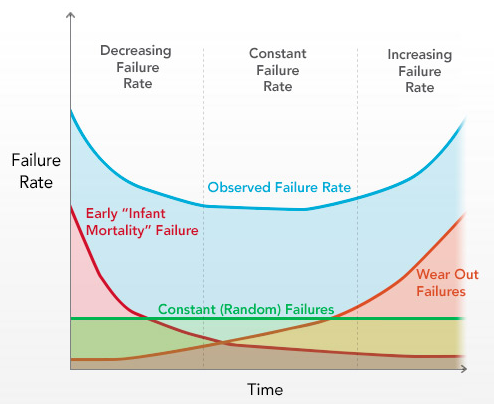
Storage media failure
Obsolescence
Humans
Catastrophes / War
More Storage Terms
S.M.A.R.T. Self-Monitoring, Analysis and Reporting Technology
Comments?
Questions?