Session 1 - Introduction
Topics
- Development environment
- CLI basics review
- Hello World!
- Variables / Arguments
- Tests / Conditions
- Loops
- Dos & Donts
CLI basics review
- Change Directory: cd
- List Directory: ls / dir
- Remove / Delete: rm / del
- Copy: cp / copy
- Clear Screen: clear / cls
- Write output: echo
- Quit: exit
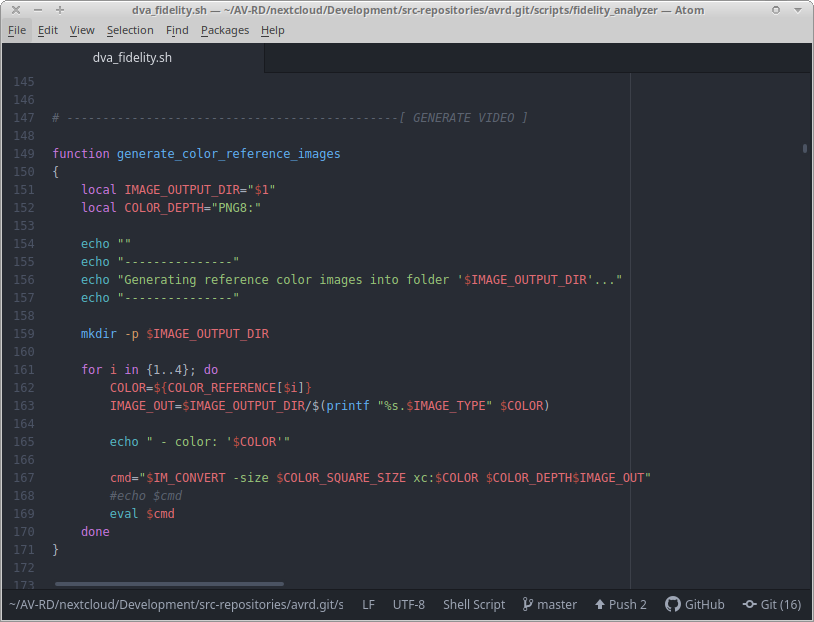
An Editor
First Words?
“[A ‘Hello World’ program] is very simple in most programming languages, and is often used to illustrate the basic syntax of a programming language. It is often the first program written by people learning to code.”
First Words
Batch file:
echo Hello world!First Words
Batch file:
    @echo off
    cls
    echo Hello world!
    @pause
Shell script:
    clear
    echo "Hello world!"
read -p "Press return to continue..."Let’s do it!
FFmpeg on this!
Variables
Batch file:
SET FFMPEG=C:\ffmpeg\bin\ffmpeg.exe
echo %FFMPEG%
Shell script:
FFMPEG="/usr/bin/ffmpeg"
echo "$FFMPEG"
Arguments / Parameters
Batch file:
echo %1
echo %2
echo %3
Shell script:
echo $1
echo $2
echo $3
Arguments / Parameters
Batch file:
SET "VID_IN=%1"
echo %VID_IN%
Shell script:
VID_IN="$1"
echo "$VID_IN"
Tests / Conditions
Batch file:
IF "%1"=="" GOTO ERROR_EmptyParam
goto End

:ERROR_EmptyParam
echo "ouch."

:EndTests / Conditions
Batch file:
IF NOT EXIST %FFMPEG% GOTO ERROR_FFmpegNotFound
GOTO End

:ERROR_FFmpegNotFound
echo "This is sad."

:End
End
Homework (1 of 2)
Improve FFmpeg helper script:
- Allow to choose video codec like this:
$ ffmpeg_helper.bat VIDEO_IN codec CODEC - So “codec” is an additional “ANWENDUNGSFALL” with an additional argument.
- The previous functionality shall be preserved.
- Think of an English term for “ANWENDUNGSFALL” (Why? Next session ;))
Homework (2 of 2)
Try to read and understand a real-world script:
- Download and open (do not execute!): “start.bat”
- What does it seem to be for?
- Roughly, what cases does it deal with?
- If executed, which arguments does it expect?
- How could a valid commandline for this script look like?